Figuring out which system you actually need and why they're not the same thing
You know what surprises me after 10+ years working with equipment tracking systems? How often companies buy a CMMS expecting full-blown asset management and end up disappointed. Or the opposite: they implement an asset tracking solution and wonder why it doesn't remind them to change filters.
Let's clear this up once and for all. No marketing fluff. For reference, Gartner defines enterprise asset management (EAM) as software that manages the full asset lifecycle, while CMMS is a narrower category focused on the maintenance function - a distinction reflected in the overall framework of ISO 55001:2024.
First - Honest Definitions
CMMS (Computerized Maintenance Management System)
CMMS is about maintenance. Period. The system answers one question: "What needs to be done to this equipment and when?"
It maintains an equipment maintenance log, schedules preventive maintenance, tracks repair history, and calculates parts costs. If you've got a fleet of machines, company vehicles, or a production line - CMMS will become your best friend.
Asset Management Software
Asset management software, on the other hand, is broader. Much broader.
It answers questions like:
- Where is this asset right now?
- Who's using it?
- What condition is it in?
- What's it worth and how is it depreciating?
- Is it time to retire it?
Asset management covers the entire asset lifecycle: from procurement to disposal. And - this is critical - it includes real-time equipment tracking.
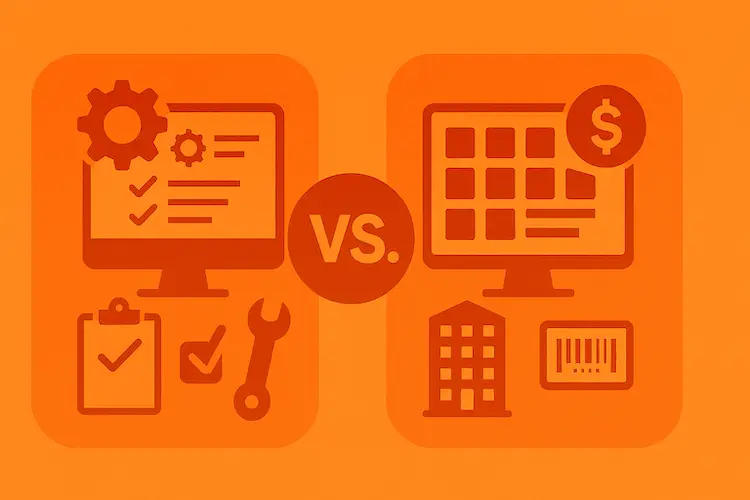
Key Differences: CMMS vs Asset Management (Table for the Impatient)
| Criteria | CMMS | Asset Management |
|---|---|---|
| Main focus | Technical maintenance | Full asset control |
| Equipment maintenance log | Core function | Often basic |
| Equipment tracking (GPS, RFID) | Rarely | Key feature |
| Equipment checkout | No | Yes |
| Financial asset accounting | Minimal | Complete |
| Loss prevention | Indirect | Direct |
Where CMMS Is Irreplaceable
I worked with a manufacturing company where production line downtime cost $15,000 per hour. Not per day - per hour. For them, CMMS wasn't optional - it was a matter of survival.
CMMS software is ideal when:
- You have complex equipment with scheduled maintenance requirements
- Detailed repair history for each component is critical
- You need to plan technician workloads
- A detailed equipment maintenance log is required for audits and certifications
- You're running a formal maintenance methodology like TPM, where the planned-maintenance pillar needs failure history to schedule from
A good CMMS will show you: pump #47 broke down three times this year, every time it was the bearing. Maybe it's time to switch bearing suppliers? Or revisit operating conditions? That's the power of predictive maintenance insights.
Where Asset Management Software Wins
Now here's a different story. A construction company, 200+ pieces of equipment, 15 job sites across the state. The main pain point wasn't maintenance. The main pain point was:
"Where the heck is our generator?!"
Sound familiar? You're not alone - it's one of the most common asset management mistakes companies make.
Asset management solves problems that CMMS doesn't even know about:
1. Equipment Checkout - Issue Control
Who took the hammer drill? When are they bringing it back? This isn't paranoia - it's basic organization. Without an equipment checkout system, tools "disappear" at a rate of 15-20% per year. I've seen it dozens of times.
Modern asset management lets you:
- Record checkouts via QR code or RFID in seconds
- Automatically send return reminders
- See who has what right now
2. Equipment Tracking - Where Is It?
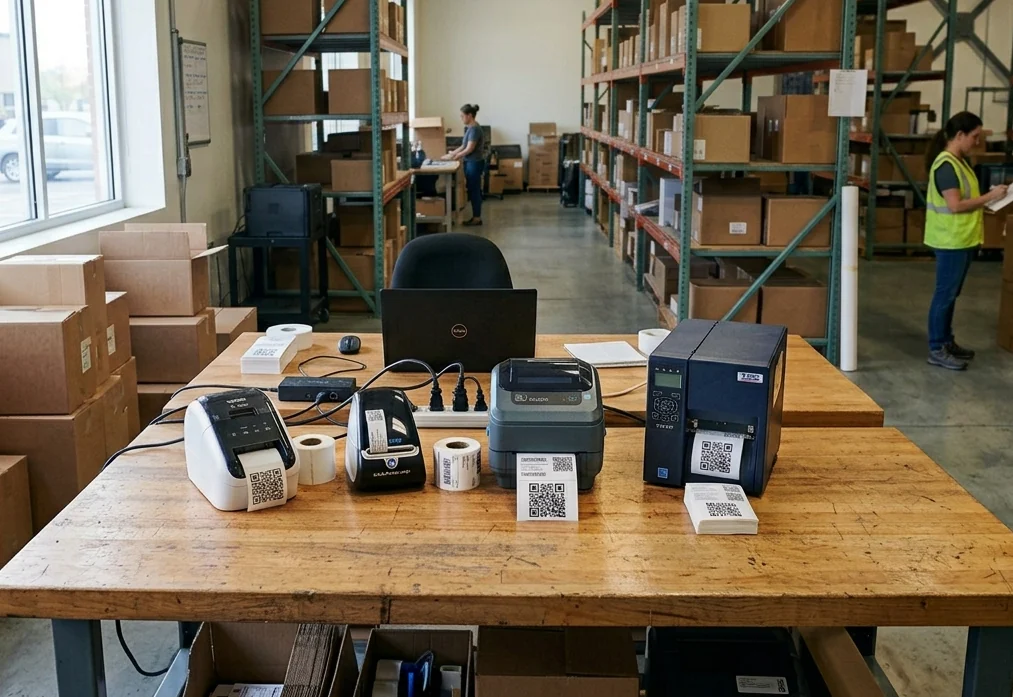
GPS trackers, RFID tags, Bluetooth beacons - equipment tracking technology has come a long way. Today you can track a $50 asset with a $2 tag. If you're curious about the differences, check out our QR vs NFC vs RFID comparison.
And this isn't about "Big Brother." It's about:
- Finding equipment on huge job sites
- Monitoring movement between locations
- Instant alerts for unauthorized removal
3. Loss Prevention and Ghost Assets
Here's a sobering statistic: the average company loses 5-10% of mobile assets annually. Just loses them. Doesn't break them, doesn't write them off - loses them. These ghost assets still sit on the books, distorting your financial picture.
Asset management with equipment tracking reduces these losses to 1-2%. System ROI? Often months, not years. You can calculate your potential savings to see the real impact.
The Hybrid Approach: When You Need Both
Honestly? In an ideal world, you need both functions. And the market gets it.
Modern solutions increasingly combine:
- Full asset management with tracking and accounting
- Equipment maintenance log with preventive maintenance scheduling
- Equipment checkout for issue control
- Equipment tracking via GPS and RFID for geolocation
It comes down to priorities. What hurts more?
How to Choose: CMMS or Asset Management - A Checklist
Answer honestly:
You need CMMS if:
- Your equipment is stationary and expensive
- You have complex maintenance schedules
- Downtime is critical to your business
- You need detailed repair history
You need asset management software if:
- You have lots of mobile equipment and tools
- Assets move between locations
- You have a "disappearing equipment" problem
- Issue control matters (equipment checkout)
- You need real-time location tracking
You need a hybrid solution if:
- You checked boxes in both lists
- You want one system instead of a patchwork
Not sure if you even need software yet? Read our guide on when to switch from Excel to asset management software.
Common Mistakes When Choosing
Over the years, I've watched people step on the same rakes. Let me share so you don't have to:
Mistake #1: "CMMS = Asset Management"
No. No. And no again. CMMS doesn't know where your asset is, who's using it, or what it's worth on your books. These are different tools. It's a similar confusion to mixing up asset management and inventory management — related but distinct.
Mistake #2: Underestimating Equipment Tracking
"Come on, we know where everything is." You know — until you start looking. And when you start looking, you lose hours. I've seen a 4-person crew spend half a day searching a warehouse for a laser level. The cost of that "knowledge" is easy to calculate.
Mistake #3: Ignoring Equipment Checkout
"We trust our people." Great. But even honest people forget what they took. An equipment checkout system isn't about control — it's about order. It helps both employees and the company.
Mistake #4: Choosing by Features, Not by Problem
100 features in a system looks great in a presentation. But if your real problem is tool loss, you need solid equipment tracking, not a fancy PM planning module. Focus on the 80/20 rule — solve the 20% of problems causing 80% of the pain.
The Bottom Line
CMMS and asset management software aren't competitors. They're tools for different jobs that sometimes overlap.
- CMMS = maintenance → equipment maintenance log, preventive maintenance scheduling, repair history
- Asset Management = control → equipment tracking, equipment checkout, loss prevention
Start with the question: "What specifically hurts us?" Then choose your solution from there.
And if everything hurts — look for a platform that combines both approaches. They exist, and they're becoming the industry standard.
Try It Yourself — Risk-Free
By the way, if you're in the middle of choosing a system — you can try Unio24 free for up to 50 assets with no time limit. Not a 14-day trial that locks you out. Full access — forever.
Why does this matter? Because you won't know if a system works for you in a week. But after a couple months of real use — you'll know for sure.
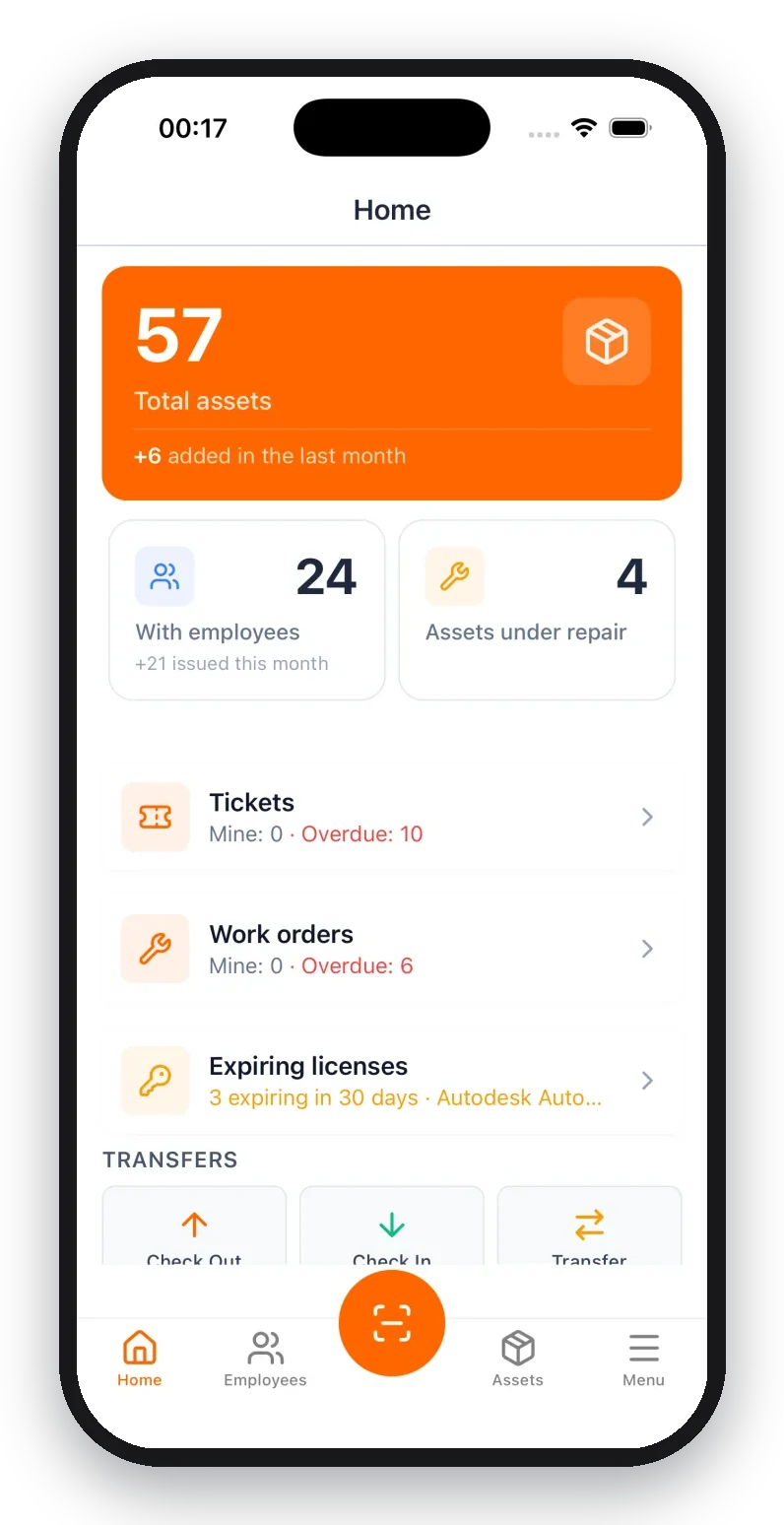
At Unio24, we've combined:
- Asset management with full asset lifecycle tracking
- Equipment tracking via QR codes, GPS, and RFID
- Equipment checkout — easy check-in and check-out
- Maintenance management for scheduled maintenance
Ready to get started? Here's our step-by-step asset tracking implementation guide — or jump straight in with our free implementation checklist.
50 assets is enough to digitize one warehouse, department, or project. And make a decision based on real experience, not sales pitches.
Got questions about choosing a system? Run into similar problems? Drop a comment — or start with Unio24 for free and let us know how it goes.