Construction Tool & Equipment Tracking Software
Stop losing expensive tools and equipment between jobsites. Get more utilization out of owned equipment. Pass safety, regulatory, and insurance inspections cold. Allocate tool cost per job, automatically. UNIO24 tracks every tool, generator, lift, and survey kit your crews touch.
Start for Free- 50 assets free forever
- Full feature access. No credit card needed
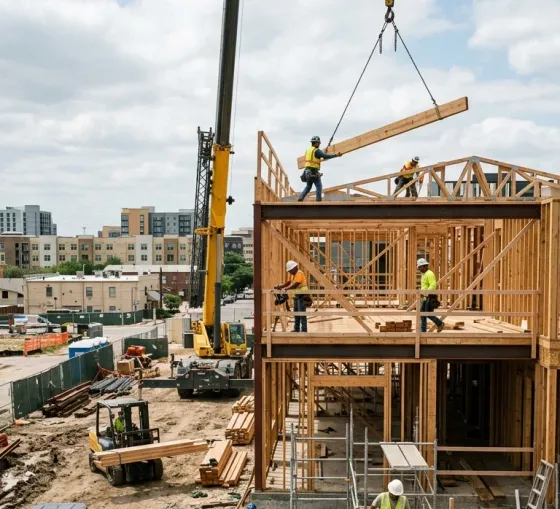
Track every tool across jobsites, and get more from what you own.
Construction tool inventories can shrink up to 25% a year without tracking: for a contractor with 1,000 tools at $400 each, that is up to $100,000 walking out the gate. UNIO24 ties every tool to a crew, truck, and jobsite at morning load-out and checks it back at end-of-day, so missing items surface in the next-morning report before they become permanent losses. The same data exposes the opposite problem: a skid-steer idle in the yard for three weeks costs the same as one on a job but earns nothing. Utilization reports show what to redeploy from underused yards to crews currently renting the same machine. Contractors typically recover 20–30% in the first quarter.
Rugged QR/NFC tags; morning load-out and end-of-day check-in via mobile (gloved-hand tap targets)
Missing-tool report with crew, truck, and last known location
Hour-meter / mileage utilization vs rental spend, with idle-day flags at 14+ days
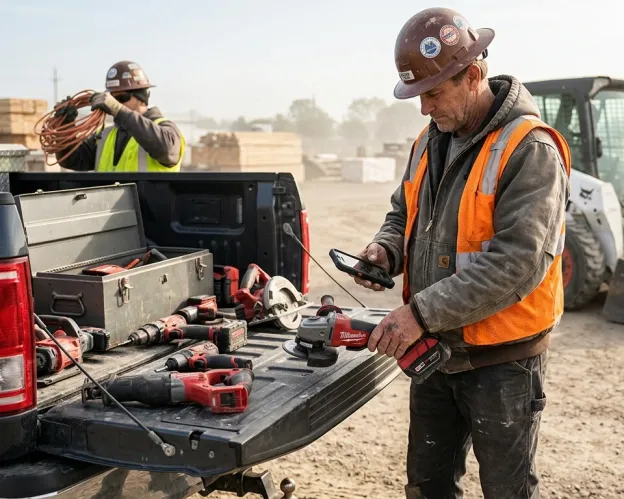
Never miss a PM, rental return, or inspection.
A skid-steer needs an oil change every 250 hours, a rental scissor lift must come back on the 30th or you eat a late fee, and a regulator or insurance carrier can ask for inspection records without warning. UNIO24 tracks all of it on per-asset schedules: PM thresholds by hour, mileage, or calendar; rental return dates with escalating reminders; warranty windows flagged before they lapse; and inspection cycles: fall-arrest harness, fire extinguisher, aerial-lift, vehicle pre-trip. Every service and inspection is logged with the person, date, and result.
PM thresholds by hour, mileage, or calendar; rental returns and warranty windows with reminders
Inspection schedules: fall-arrest harness, fire extinguisher, aerial-lift, vehicle pre-trip
Time-stamped service and inspection log: person, date, pass/fail, parts, notes
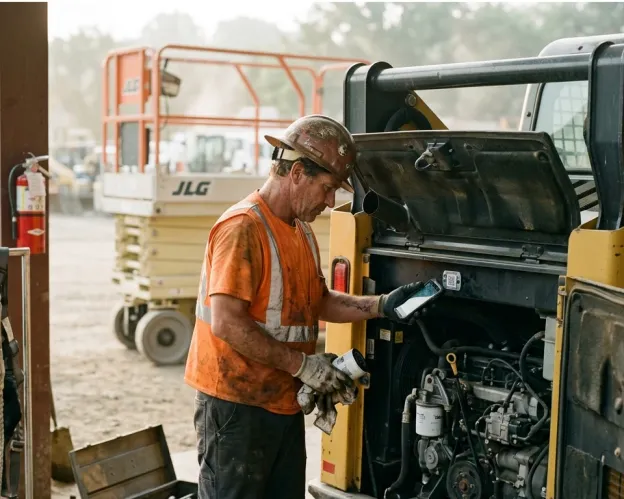
Document asset cost on every job, automatically.
Estimating bids accurately depends on knowing what your tools and equipment actually cost on the last ten jobs of this type. UNIO24 logs every check-out against the destination job, every PM action against the asset, and rolls the data up into per-job equipment-cost reports.
Per-asset job assignment on every check-out (job code, phase, cost code)
Equipment cost rolls up daily / weekly / per-job in real time
Per-job utilization data for sharper bids on similar future work

Unite the field, equipment shop, and accounting on one inventory.
Field foremen know which tools are on their truck. The equipment shop knows the PM schedule. Accounting knows the depreciation. Three groups, three different lists, none of them reconcile when the project manager asks "what did this job actually cost?" UNIO24 brings them onto one inventory with role-based ownership. Every team sees its slice without colliding with anyone else.
Per-field role ownership: field owns custody, shop owns PM, accounting owns depreciation
Templated views per role: foremen see their truck, shop sees the fleet, accounting sees capex
Single audit trail across departments with complete change history
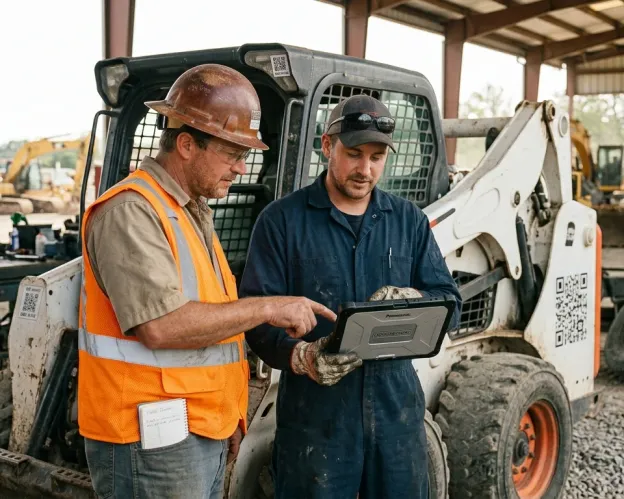
Built for every role in construction
- Morning load-out and end-of-day check-in via the mobile app (under 30 seconds per truck)
- See exactly which tools are on this jobsite, who has them, and what is missing
- Request a tool transfer or PM service in two taps. No radio call
- Works offline on remote jobsites; syncs when signal returns

- Track every piece of heavy equipment with location, hours, and current operator
- Schedule PM by hour meter, mileage, or calendar, with auto-escalation if missed
- Run utilization vs. rental-spend reports to redeploy underused equipment
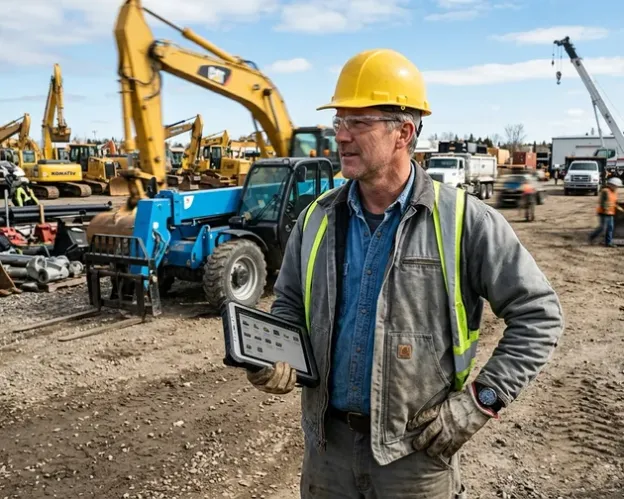
- See every tool and piece of equipment assigned to your job in real time
- Pull per-job equipment cost reports: daily, weekly, or final
- Compare estimated vs. actual equipment cost for sharper future bids
- Document delays from missing or broken equipment with time-stamped evidence

- Pull acquisition-cost and useful-life forecasts on demand
- Document asset acquisitions, dispositions, and insurance schedules
- Full audit log of every record change (user, timestamp, value before/after)
- Insurance-ready exports for annual renewal and claim documentation

Who it's for
UNIO24 serves construction organizations where tools, equipment, and inspection records all need to land on one trusted inventory.

General Contractors
Multi-crew, multi-jobsite tool and equipment tracking with per-job cost allocation

Specialty Trades
Electrical, mechanical, plumbing, HVAC contractors with tool-heavy crews and per-truck inventory

Civil & Heavy Highway
Heavy equipment fleets with hour-meter PM, telematics integration, and yard-to-jobsite workflow

Residential Builders
Production homebuilders and custom builders with crew-truck inventory and subcontractor coordination
Concrete & Foundation
Forms, vibrators, screeds, and pumps with per-pour tracking and insurance documentation

Restoration & Remediation
Air movers, dehumidifiers, and HEPA equipment with insurance-claim-ready custody chains
What contractors see with UNIO24.
Concrete impact numbers reported by field, equipment-shop, and accounting teams running asset-first inventory.
More utilization on owned equipment
Reallocate idle skid-steers, lifts, and generators from yards to crews currently renting them.
Tool shrinkage prevented
Untracked tool inventories can lose up to 25% per year. Tracked tools stay tracked.
Foreman time saved on tool location
No more morning calls to the yard asking which truck has the rotary hammer.
To multi-crew rollout
A 5-crew specialty sub fully deployed in a couple of days, including tagging.
Construction tool & equipment tracking: common questions
Can UNIO24 track tools that move between jobsites and crews every day?
Yes. Every tool carries a QR or NFC tag with a rugged housing rated for jobsite conditions. A foreman or crew lead scans the tool with the UNIO24Mobile app at morning load-out, and the tool moves to the assigned crew/truck/jobsite automatically; an end-of-day scan returns it to the truck or yard. Tools that fail to return show up in the next-day "missing tools" report with the last assigned crew and last known location.Does UNIO24 work offline on remote jobsites with no signal?
Yes. The mobile app is offline-first: scans, check-outs, transfers, and inspections are recorded locally and sync automatically when the device reconnects. Foremen on a remote highway project or basement renovation can run the day without worrying about cell coverage.Can crews use UNIO24 without office training?
Yes. The mobile app is simple and intuitive. Pick it up in about 5 minutes, no long training required. A typical tool check-out takes under 30 seconds. Heavy workflows (PM scheduling, utilization analysis, capex planning) live in the web app for the equipment shop and office.
Don't see your question? Talk to sales
