A live asset register the whole agency keeps current.
Every asset, every responsible person, every service event, on one platform. Public works, fleet, IT, and facilities all working from the same record.
Start Free. No Credit Card- 50 assets free forever
- No credit card required
- Setup in 2 minutes

Every asset has a responsible person.
A laptop is assigned to an officer. A backhoe is under a foreman's care. A radio belongs to a shift. UNIO24 captures who is responsible for each asset from day one, and updates as people rotate, equipment moves between sites, or assets transfer to a new department. The chain is auditable.
Per-asset responsible party tracked on every transfer
Full custody chain: who has it now, who had it before
Location, department, and acquisition data (cost, vendor, warranty, funding) per asset

Maintenance that happens, scheduled or reported.
Work gets created two ways. Per-asset PM schedules trigger work orders automatically: generators on monthly run-tests, snow plows on pre-winter checks, body cameras on annual battery replacement. And when something breaks, anyone can flag it: a foreman, a resident, an inspector, through the mobile app, a public-facing form, or email to your service inbox. Either way it becomes a work order the crew completes on a phone, with checklist, parts, and photos.
PM schedules (calendar, hour-meter, mileage) auto-create and route work orders
Anyone reports an issue: mobile app, public citizen portal, or email-to-ticket
One-click ticket → work order; crews complete on a phone with checklist, parts, photos

Full history per asset, in one place.
Every change, every PM, every repair, every transfer, every inspection, on one timeline per asset. Photos and documents attached. Custody changes signed off electronically. The history is preserved even when assets are retired or disposed.
One timeline per asset: PMs, repairs, transfers, inspections
Photos and documents on every event; full audit log (date, user, action)
History preserved through retirement and disposal
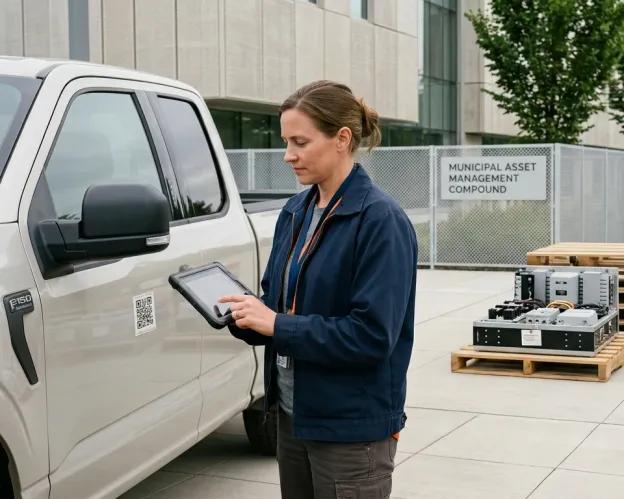
One inventory underneath every department, audit-ready at year-end.
Each department keeps its own workflow (Public Works runs road equipment, Fleet runs vehicles, IT runs computers and radios, Facilities runs buildings), all on one shared inventory. Finance and the city manager get the cross-department roll-up, and at year-end the capital data is already there: acquisition cost, depreciation method, condition, disposition. Pull a register filtered by fund, department, or grant; UNIO24 keeps the source data, your controller produces the report.
Per-department structure with role-based access on one shared inventory
Year-end capital register: acquisition, depreciation, disposition, funding source
Cross-department roll-up and filtered exports (fund, FY, department); ERP via API or CSV
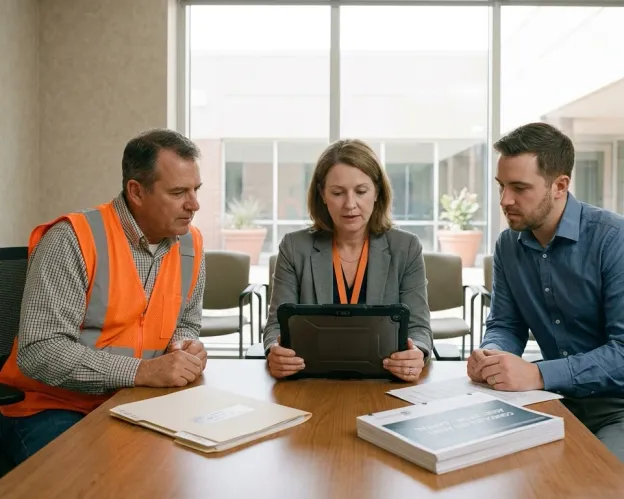
A day in the life, by role
Asset Manager / Department Lead
- Daily: review responsibility transfers waiting for sign-off
- Weekly: scan the register for assets due for service or audit
- On staff change: reassign equipment in minutes, not paper trails
- On audit: pull custody chain and history per asset on demand
Maintenance Lead / Shop Foreman
- Daily: open tickets routed in, work orders moving through stages
- Weekly: PM calendar, what's due, what's coming, who picks it up
- When the shop runs low: parts inventory shows the gap
- On a closed work order: cost, hours, parts logged against the asset
PW / Fleet / Facilities Director
- Morning: incoming tickets, work orders in progress, equipment by status
- Quarterly: utilization, condition, and service costs per asset class
- At budget time: replacement-cycle forecast tied to actual data
- At inspection: per-asset records ready for the AHJ visit
Comptroller / Finance Director
- Quarter close: capital-asset register ready, with funding-source tagging applied
- At audit time: filtered exports by funding source, time-stamped
- For the city manager: cross-department capex view in one report
- On grant audit: per-asset funding source and disposition on hand
Who it's for
State, county, municipal, and special-district agencies, wherever equipment, fleet, IT, and infrastructure all need to land on one trusted, auditable register.

Municipal / City Government
PW, Fleet, IT, Facilities on one register, with year-end capital-asset reporting

County Government
County-wide assets, sheriff and jail equipment, road and bridge infrastructure

State & Provincial Agencies
Statewide accountability with per-jurisdiction threshold and disposition rules

Special Districts (Water, Parks, Fire)
District assets: pumps, hydrants, apparatus, playground equipment, hose

Public Utilities
Distribution infrastructure, meters, vehicles (with regulatory rate-case records)
Authorities & Quasi-Public Agencies
Transit, port, housing: operating-style asset management with public-sector audit needs
Government & public-sector asset management: common questions
How does UNIO24 track who is responsible for each asset?
Every asset has a responsible person: the manager, the technician on shift, the officer assigned. Transfers between people are signed off electronically. The current responsible party and the full custody chain are visible on every asset record.Where can we see the full history of an asset?
On the asset record. Every change, every PM, every repair, every transfer, every inspection, on one timeline. Photos and documents attached per event. The history is preserved even when assets are retired or disposed.
Don't see your question? Talk to sales
