QR · NFC · BARCODE
Tag it once. Scan it forever.
QR codes, NFC tags, and barcodes: all supported, all scannable with any phone camera. No barcode guns, no special drivers, no software that only runs on one laptop in the office.



Scan. Open. Done.
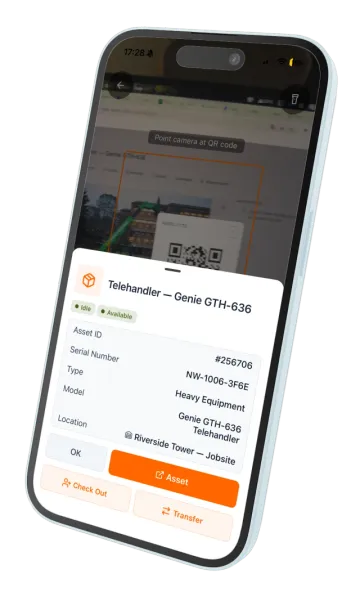
Your team uses UNIO24Mobile. Scan QR or tap NFC, and the full asset card opens in under two seconds with owner, location, service history, documents, and linked work orders.
Sub-2-second scan-to-asset-card experience
UNIO24Mobile: full features on iOS and Android
QR, NFC, and barcode. Pick the tech that fits the asset
What teams typically see.
Scan to asset card
Point the camera, get the full record. No app-opening, no search.
Manual-lookup errors
Scanning jumps to the right asset directly. No typing IDs into search bars, no wrong-record opens.
Setup time
Design label templates, generate a bulk sheet, print. In under ten minutes.
Hardware cost
No barcode guns, no specialty scanners. Your team already has phones.
QR, NFC, and barcode: all three, out of the box.
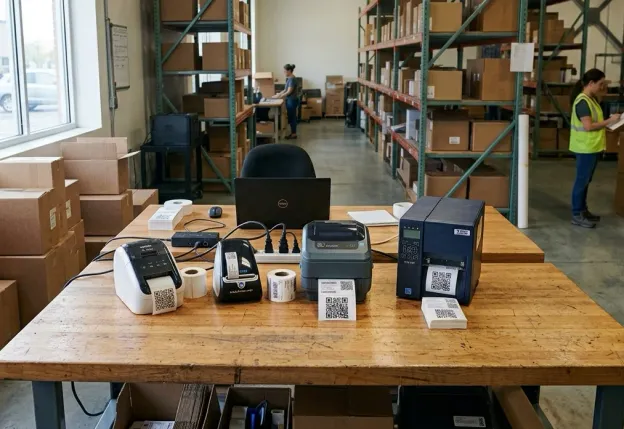
Different assets want different tags. A laptop handled daily needs a durable QR sticker; a forklift battery needs a chunky NFC plate; a spare part may already have a factory barcode on its container. UNIO24 reads it as-is, no extra label needed. Printing your own is free either way — the Code 128 barcode generator produces the alphanumeric format most asset tags use.
QR codes for visual, camera-friendly scanning (most assets)
NFC tags for contact-taps in rough environments
Barcodes (Code 128, EAN, UPC) for legacy scanners and consumables
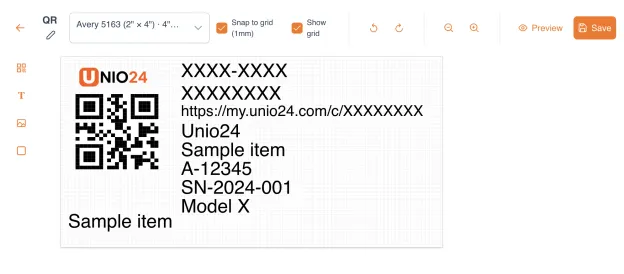
Labels included. Or design your own.
UNIO24 comes with ready-made label templates to print. Don't like the presets? Design your own in the built-in label editor, with your own colors and logo.
Popular Avery label formats supported
Print on a dedicated label printer or a standard office printer
Bulk label printing
Your phone is the scanner.
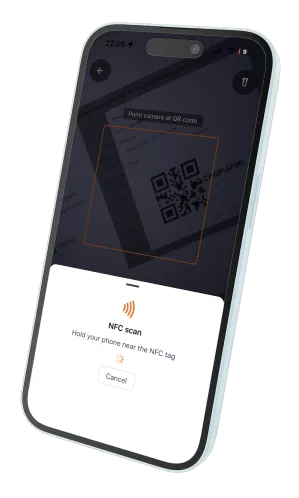
Any phone running the UNIO24Mobile app on iOS or Android scans a QR code or NFC tag in seconds and pulls up everything you need about that asset or inventory item.
Native QR scan with any phone camera
NFC tap via UNIO24Mobile on NFC-capable phones
Batch scanning for quick audits or check-in sessions
Offline scan queue, syncs when back online
Want to print your own QR stickers?
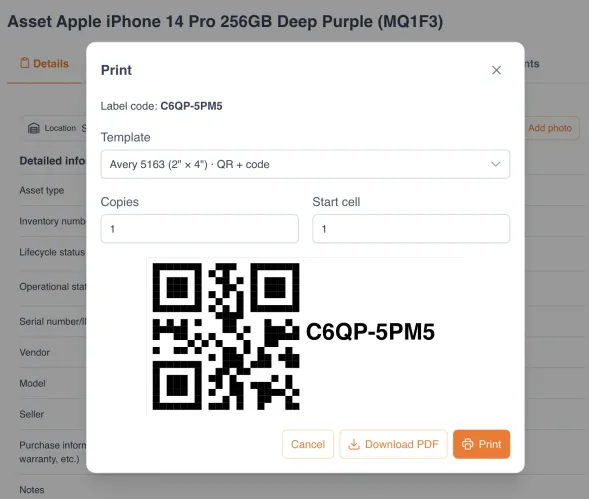
No proprietary printer required. Standard PDF output works with any label printer (Brother, Dymo, Zebra, TSC) or even your regular office laser printer on Avery sheets. Label templates for the most common sizes ship ready.
Standard PDF output: works with any printer
Pre-built templates for Avery, Brother, Dymo, Zebra label sizes
High-DPI output for readable QR codes even on small labels
Designed for how your team actually works.
Tags need to survive impact, dust, and weather.
- Industrial-grade NFC plates for heavy equipment
- Waterproof QR stickers for outdoor tools
- Check-out/return workflow via tap at tool cribs
Student checkouts move fast. Tags need to be fast too.
- QR labels on laptops, AV carts, lab instruments
- Self-service check-out via scan at the help desk
- Tamper-evident labels for anti-theft on portables
You onboard 50 laptops on Monday and need tags by Tuesday.
- Bulk-print 50+ labels tied to specific asset IDs in minutes
- Color-coded by department or role
- Tamper-evident labels for high-value portable gear
Store equipment needs tags that survive grease, spills, and UV.
- Grease-resistant labels for kitchen and back-of-house gear
- QR tags for POS, refrigeration, display equipment
- Per-store batch generation with store-code prefixes
Forklift tags need to work with gloves on, in the cold.
- Impact-resistant NFC tags, no line-of-sight needed
- Barcode labels on pallets for legacy scanner compatibility
- Shift-start scan workflow on mobile
UNIO24 is a platform. Tagging is one of its key functions.
Tagging is the bridge between the physical world and UNIO24. Every other module becomes faster because of it.


Why UNIO24 exists.
A QR or NFC tag is a simple way to label an asset, and to kick off the connected workflows your team runs around it. A phone with the UNIO24Mobile app simplifies and speeds up many of those everyday processes.
Encrypted in transit (HTTPS) and at rest. Automatic daily backups
Role-based access control, full audit log of every change
No vendor lock-in: if you leave, you take all your data with you

Questions, answered straight.
Do I need a barcode gun or special scanner?
No. Every modern iOS and Android phone scans QR codes natively with the camera. For NFC, our app adds tap-to-open on NFC-capable phones. A barcode gun costing hundreds of dollars is no longer a required purchase.
QR or NFC, which should I use?
QR for most assets: cheap, printed on any label material, scannable with any camera. NFC for harsh environments (riveted to heavy equipment, embedded in plastic housing) or when gloves prevent visual scanning. You can mix both.
Does scanning work offline?
Yes. The UNIO24 mobile app caches assets and queues scans when offline, syncs when back online. Useful for warehouses, field sites, and anywhere signal is unreliable.
What's the recommended tag for outdoor or harsh environments?
Outdoor and impact environments call for NFC plates: riveted or epoxied to equipment, IP-rated, no line-of-sight needed. Chemical or kitchen environments need solvent-tolerant or grease-resistant label material. For temperature extremes (cold storage, autoclaving), pick label material rated for that range. Most fleets mix QR for general assets and NFC for harsh ones.
What label printers do you support?
Any printer that prints PDF, which is every printer. Templates for Avery sheets, Brother QL series, Dymo LabelWriter, Zebra, and TSC ship built-in. Custom dimensions supported too.
What happens when a label gets damaged or lost?
Re-print it in one click from the asset record. The new label links to the same asset. No data migration, no renumbering. If you need a different tag type (e.g., upgrading QR to NFC), that also works without losing history.
What's the difference between tagging and asset management?
Tagging is the physical layer: printed labels with QR/NFC/barcode that identify an asset in the real world. Asset Management is the digital layer: the record behind the tag. Most teams need both. Both are included in UNIO24 on every plan.
How does UNIO24 help cut tagging hardware costs?
Three workflows replace traditional tagging hardware. Any phone is a scanner. No barcode gun per technician. Any printer is a label printer. No proprietary devices or driver installs. UNIO24 ships with ready-made Avery label templates and a built-in editor, so you print your own labels on any printer.
Go deeper.
Practitioner guides on tag technologies, label choice, and rollout strategy.
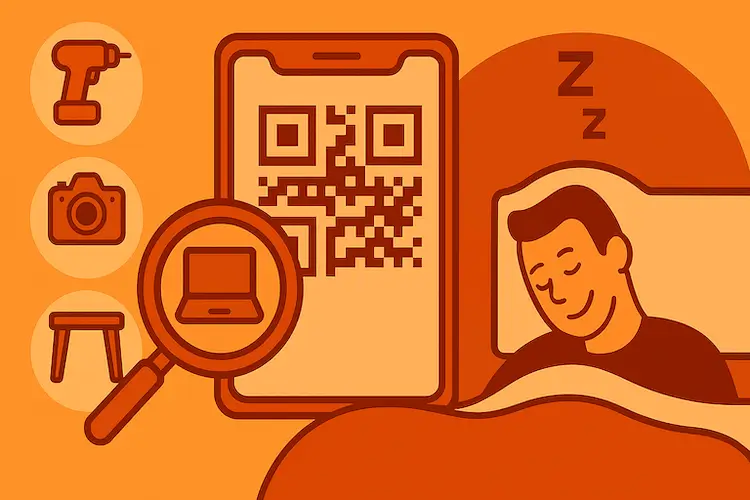
How to Set Up QR Code Asset Tracking: 2026 Guide
Step-by-step: from printed labels to full tracking, in a single day. With real examples.
Read more: How to Set Up QR Code Asset Tracking: 2026 Guide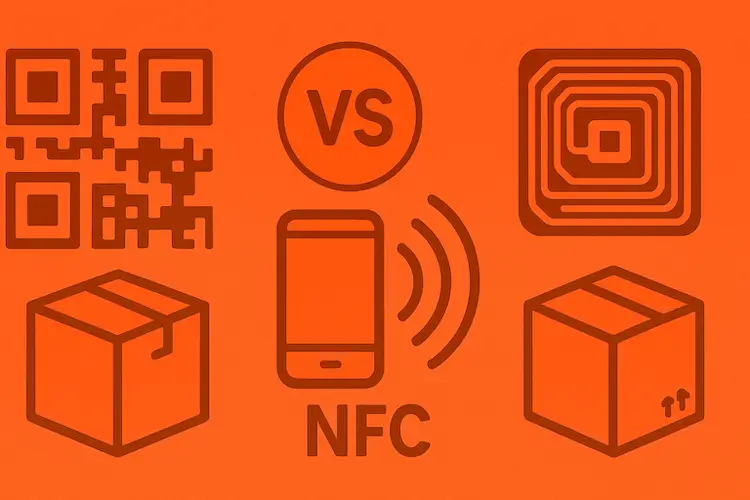
QR vs NFC vs RFID: Which Tagging Technology Wins?
Side-by-side comparison of cost, range, scanning speed, and best use case for each.
Read more: QR vs NFC vs RFID: Which Tagging Technology Wins?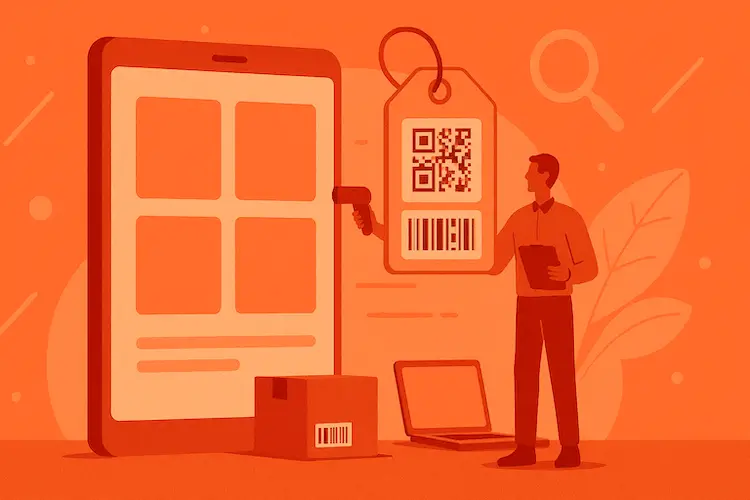
Asset Tagging Best Practices: A Practitioner's Guide
Label types, placement strategies, numbering schemes: everything we learned tagging thousands of assets.
Read more: Asset Tagging Best Practices: A Practitioner's Guide