Roll Out Asset Tracking Without the Chaos
A step-by-step implementation playbook — 7 sequential phases with every task, decision, and pitfall mapped out, plus space for your notes against each step. Ship your asset tracking system without scope creep, missed training, or data disasters.
- 2,300+Downloads this year
- 7 phasesFrom planning to go-live
Download Your Free Checklist
Instant PDF access. No credit card.
The 7 Phases Inside Your Checklist
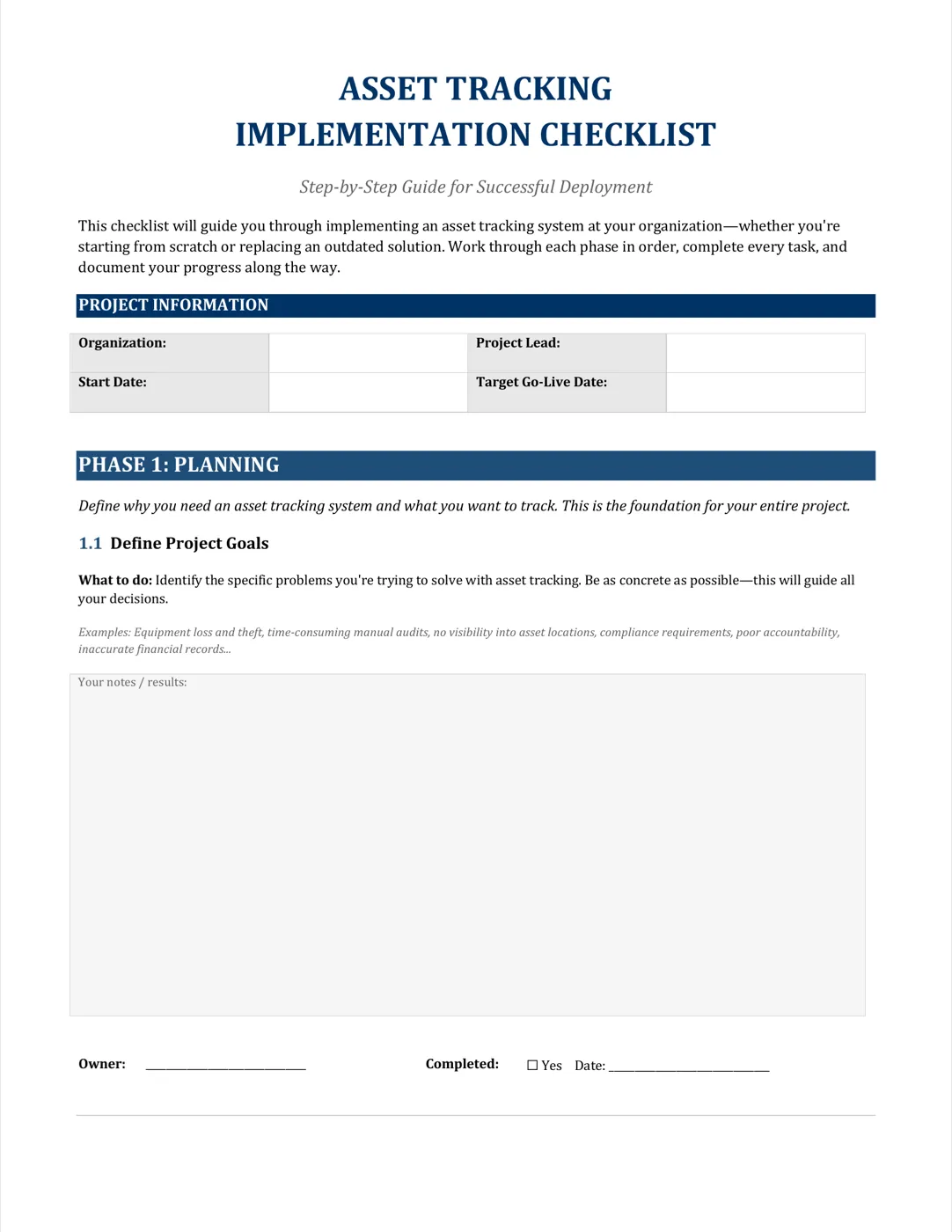
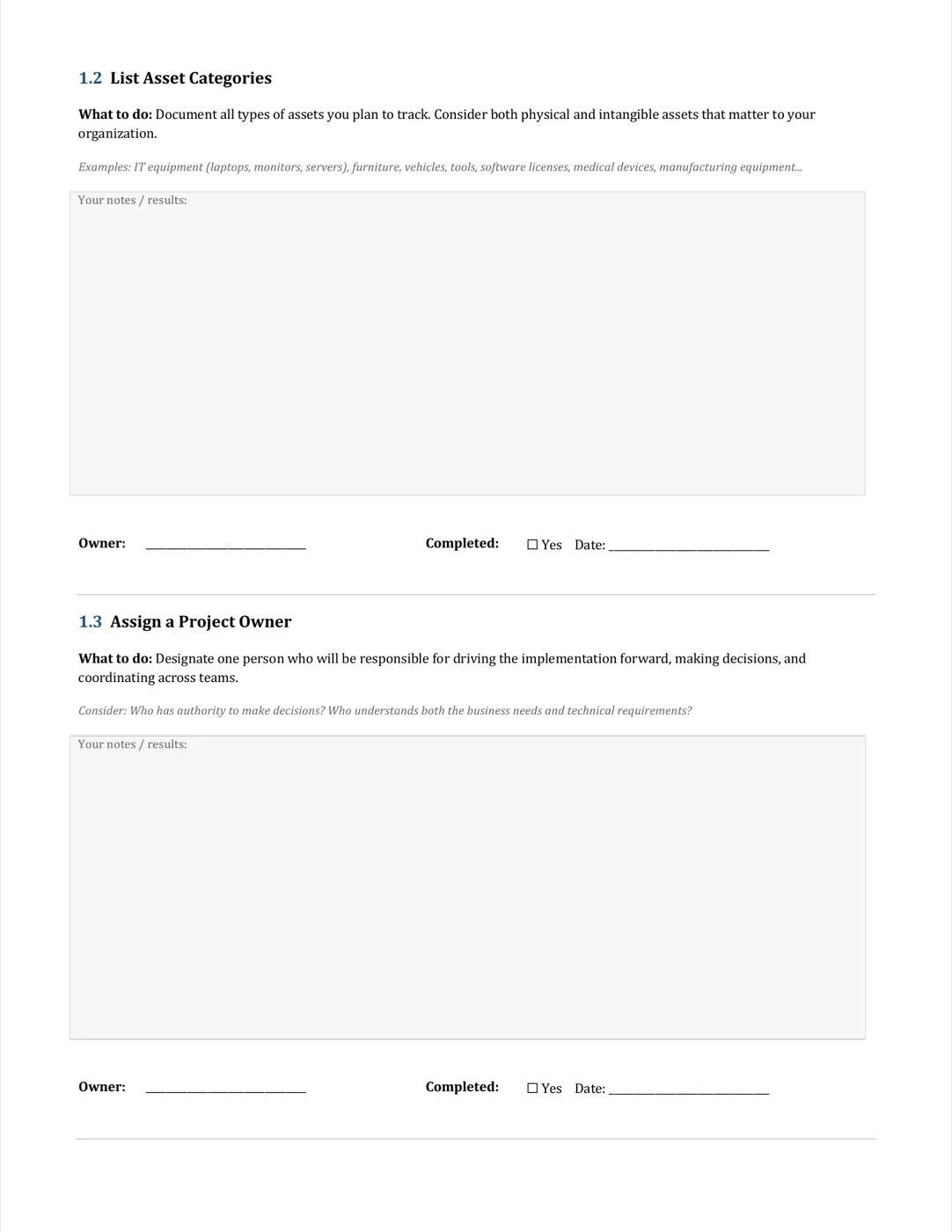
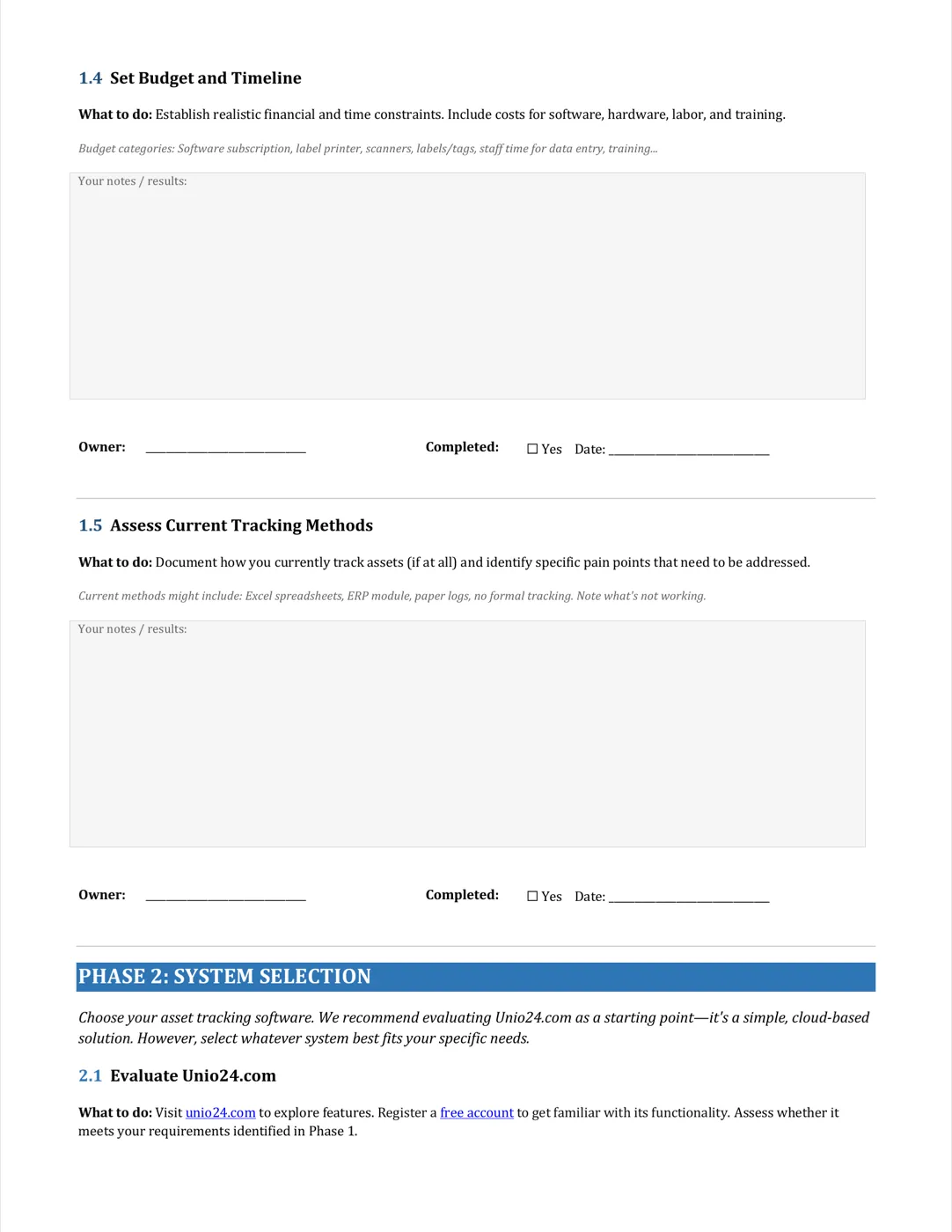
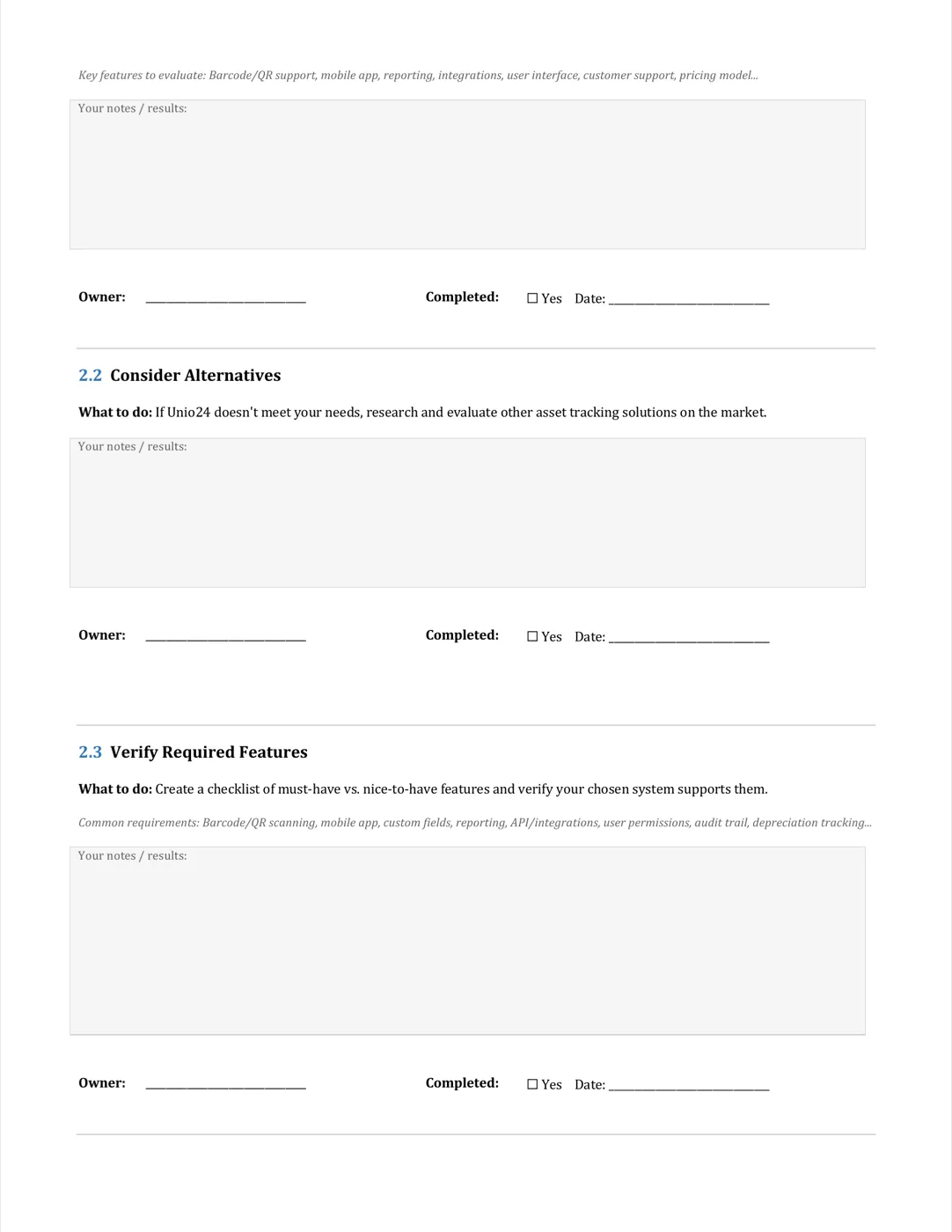
Each phase carries its own tasks, owners, and completion criteria. Work through them in order.
1. Planning
Define project goals, list asset categories, assign a project owner, set budget and timeline.
2. System Selection
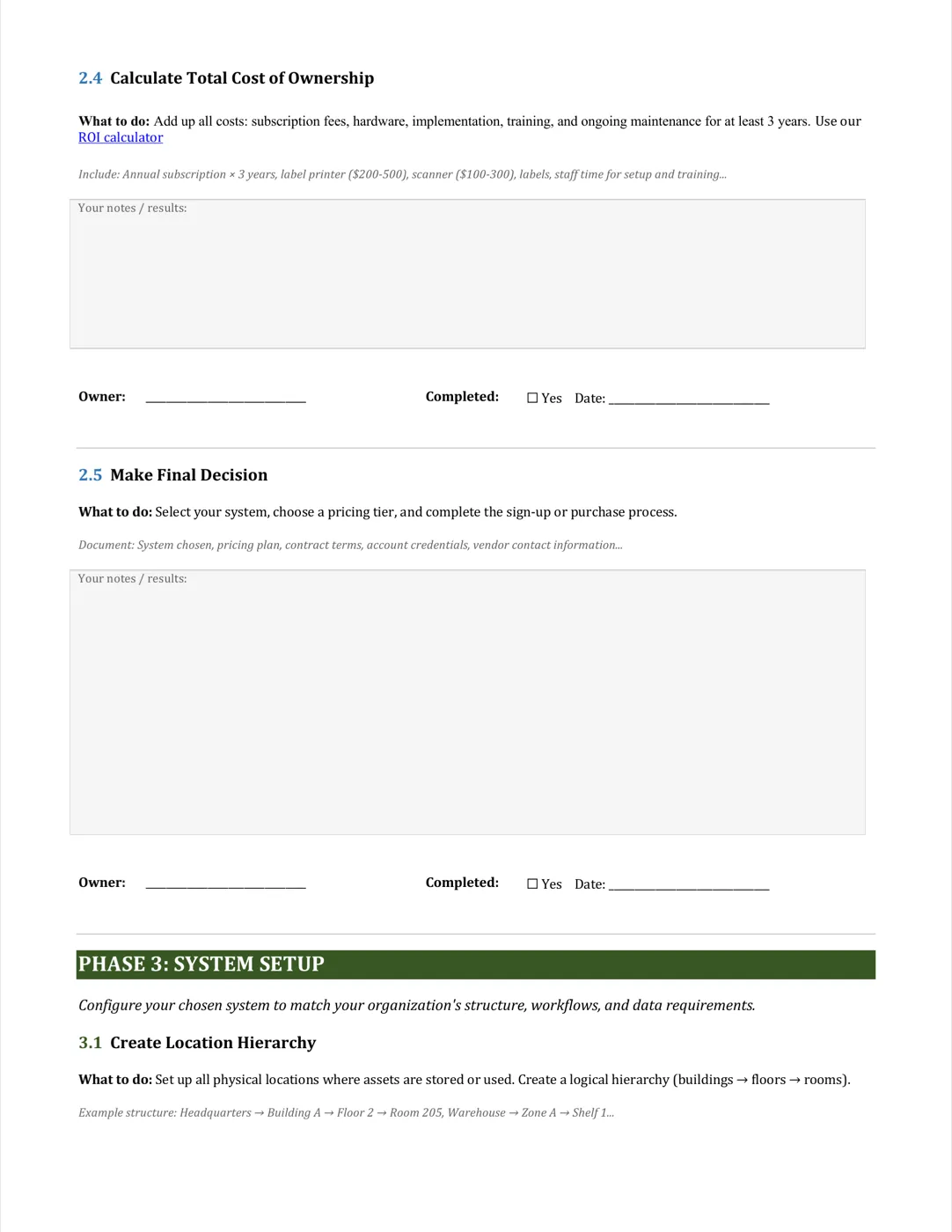
Evaluate solutions, verify required features, calculate total cost of ownership, decide.
3. System Setup
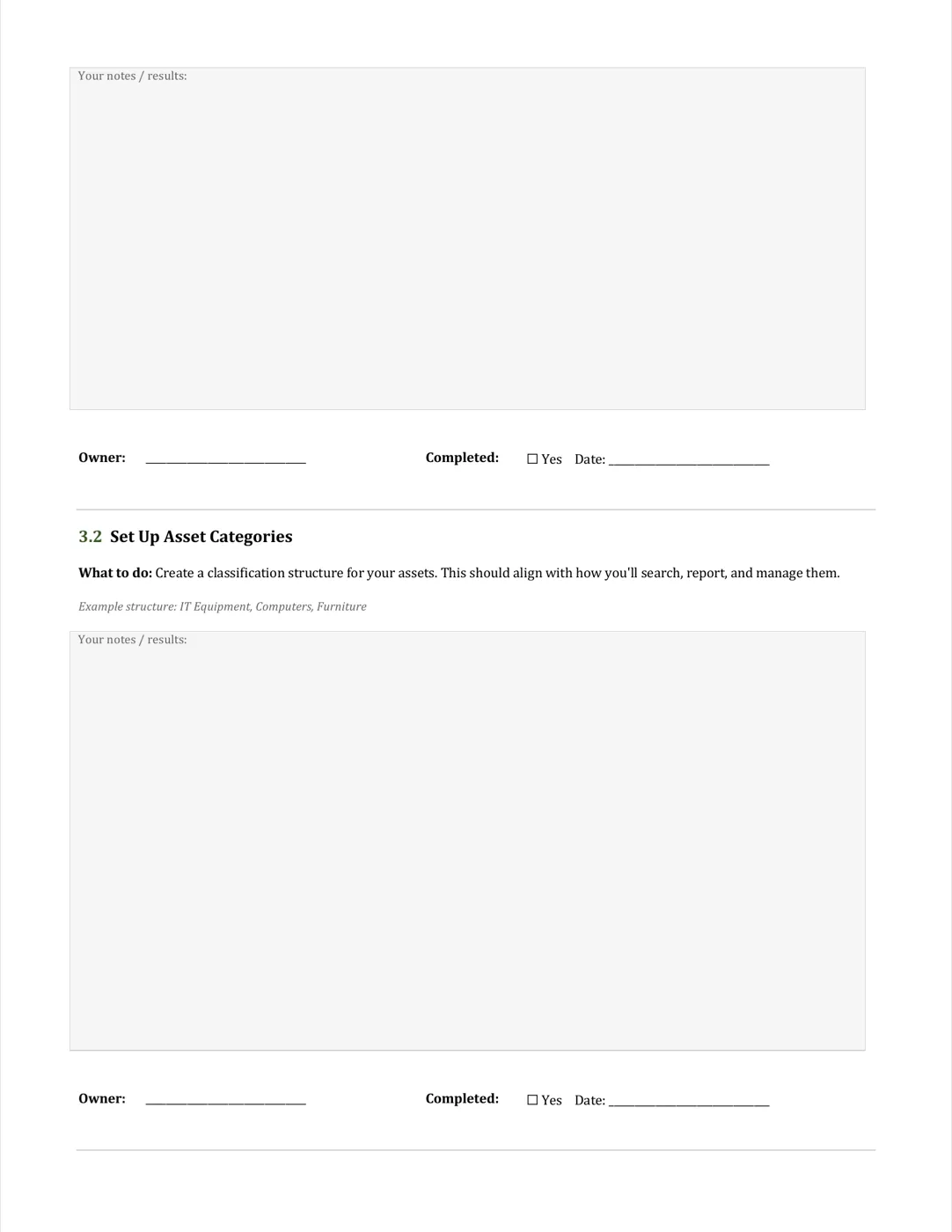
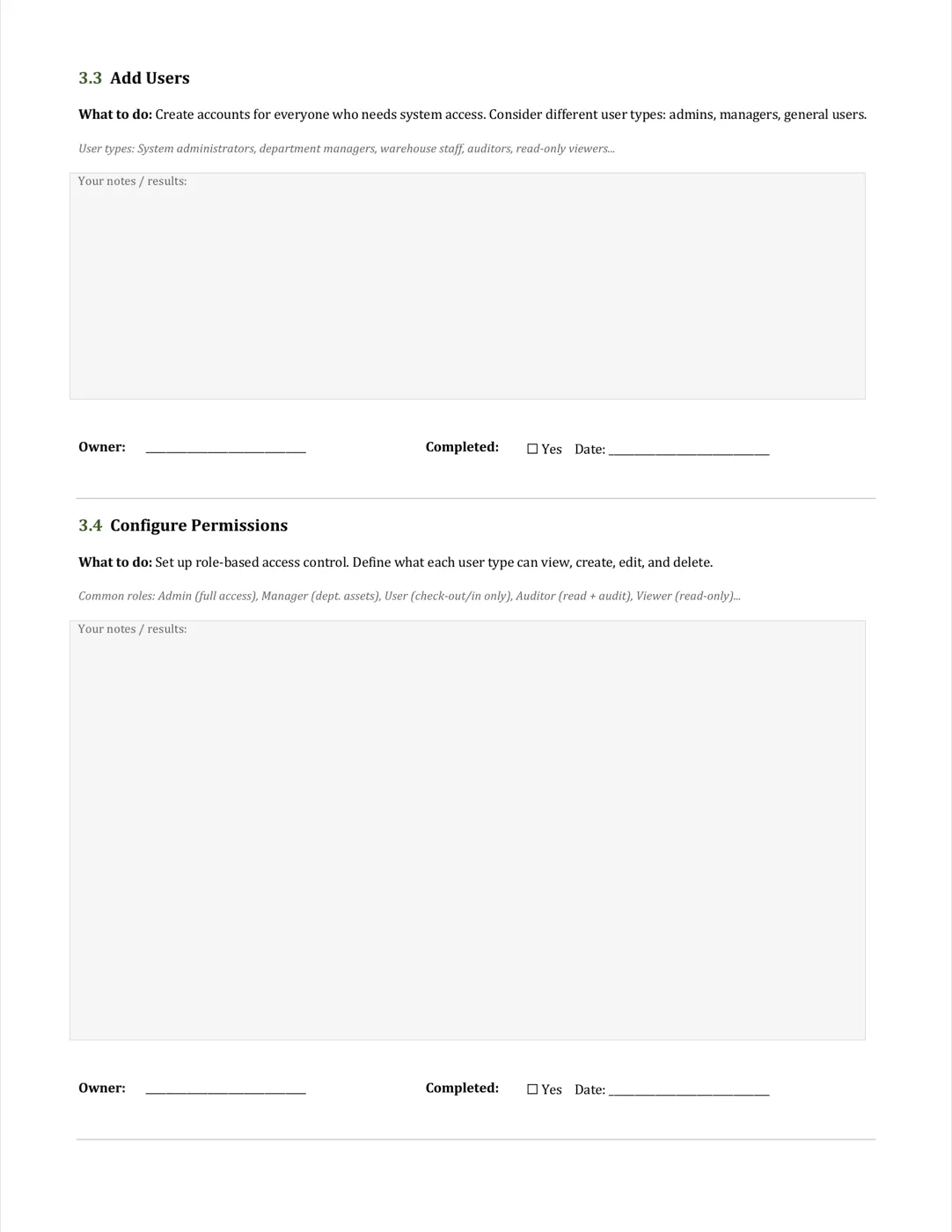
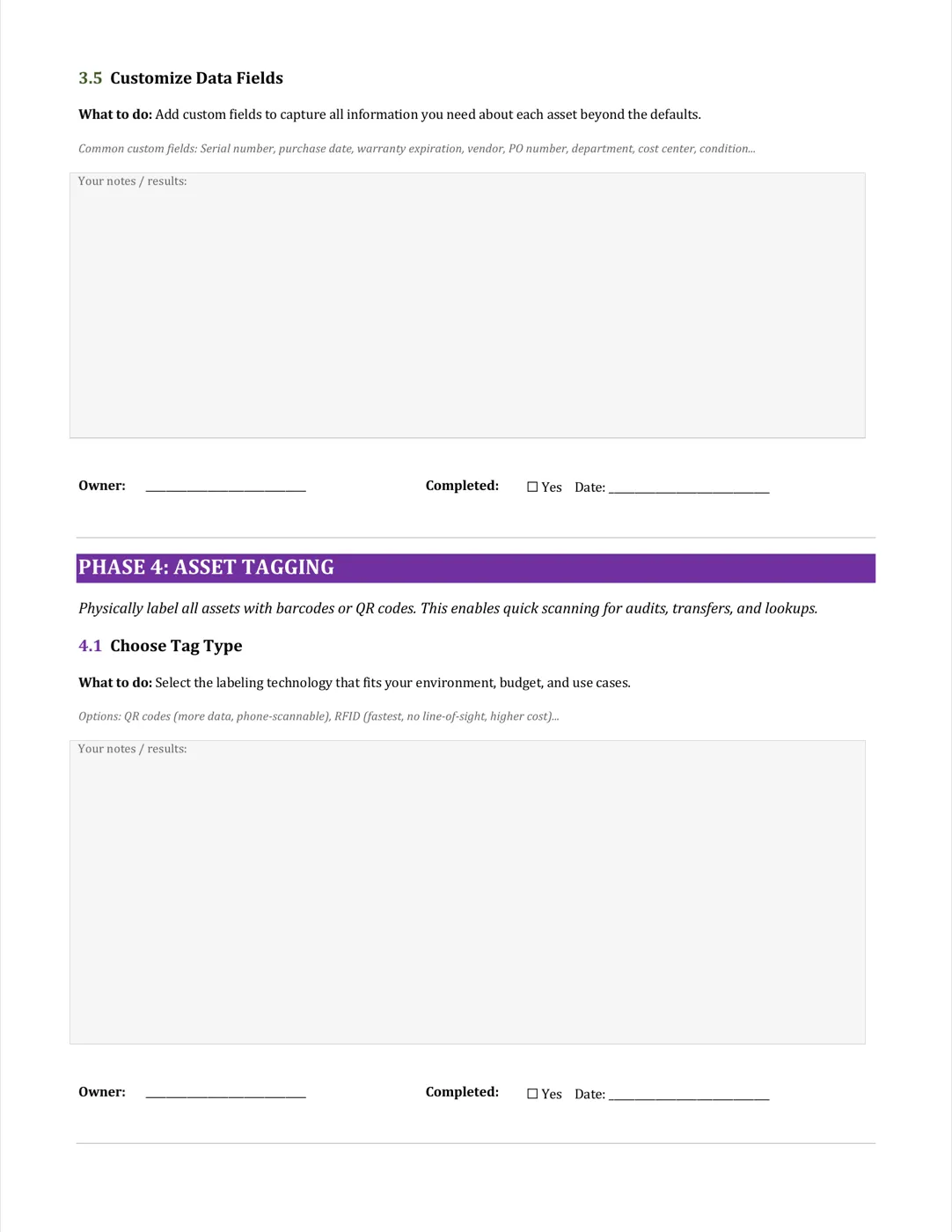
Location hierarchy, asset categories, users, permissions, custom data fields.
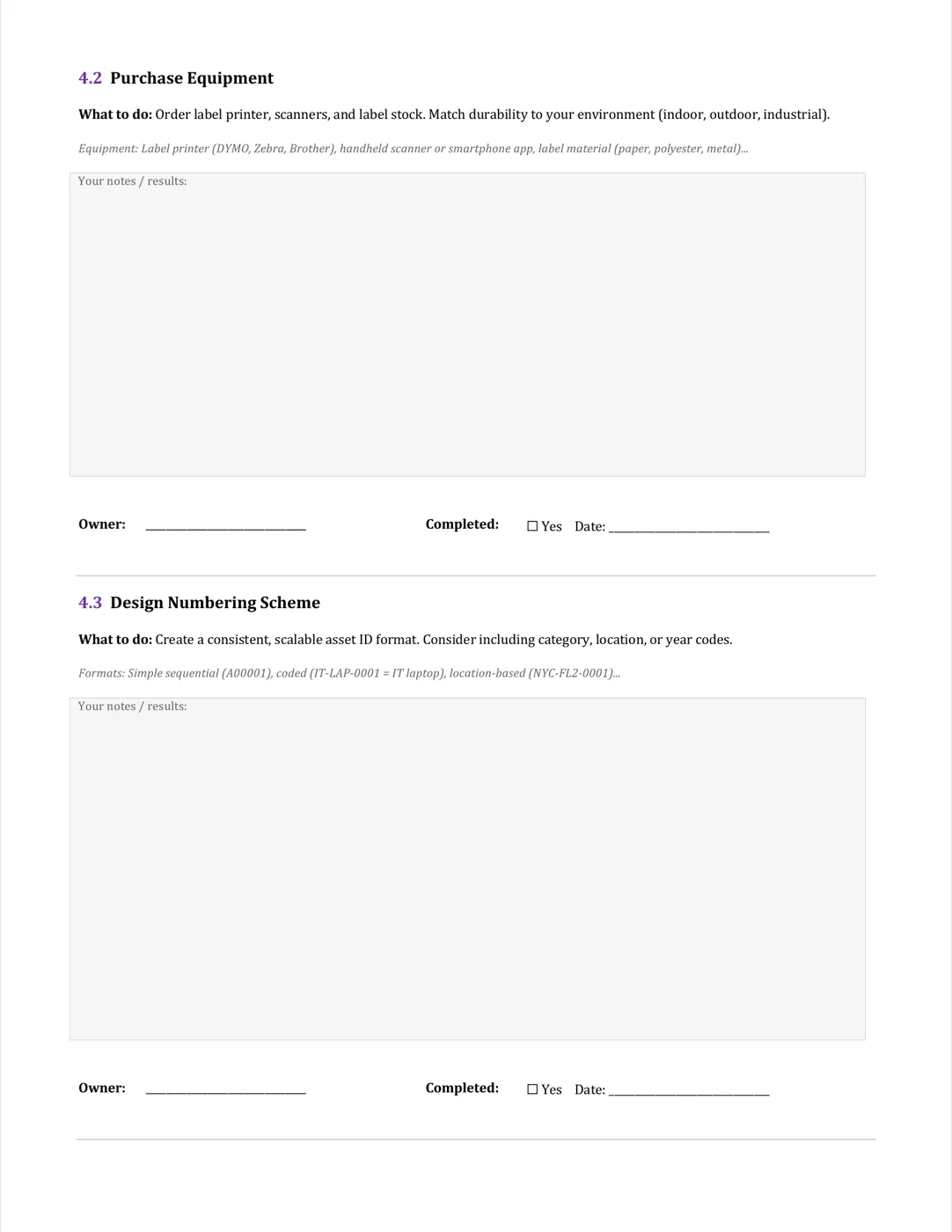
4. Asset Tagging
Choose tag type (QR, NFC, RFID), purchase equipment, design numbering scheme.
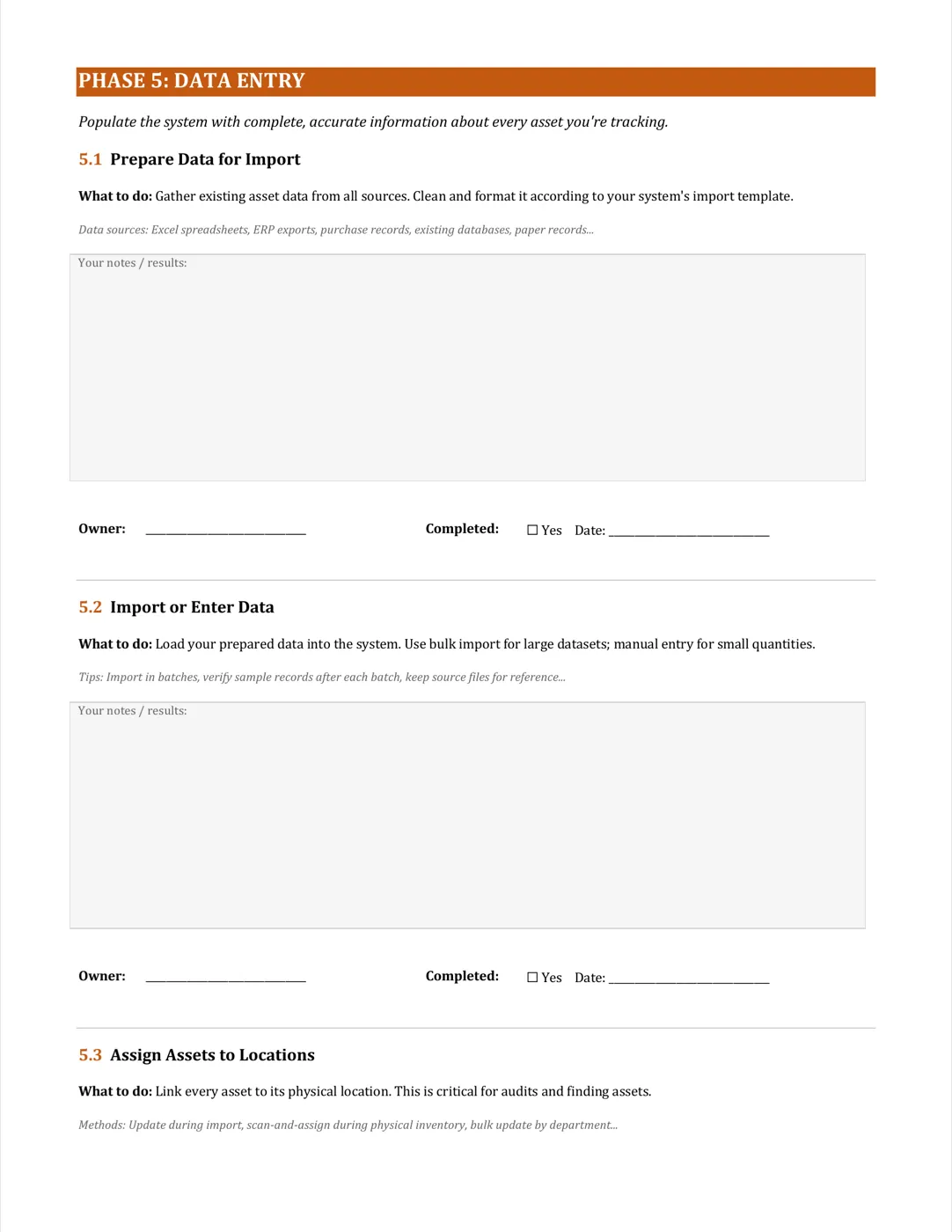
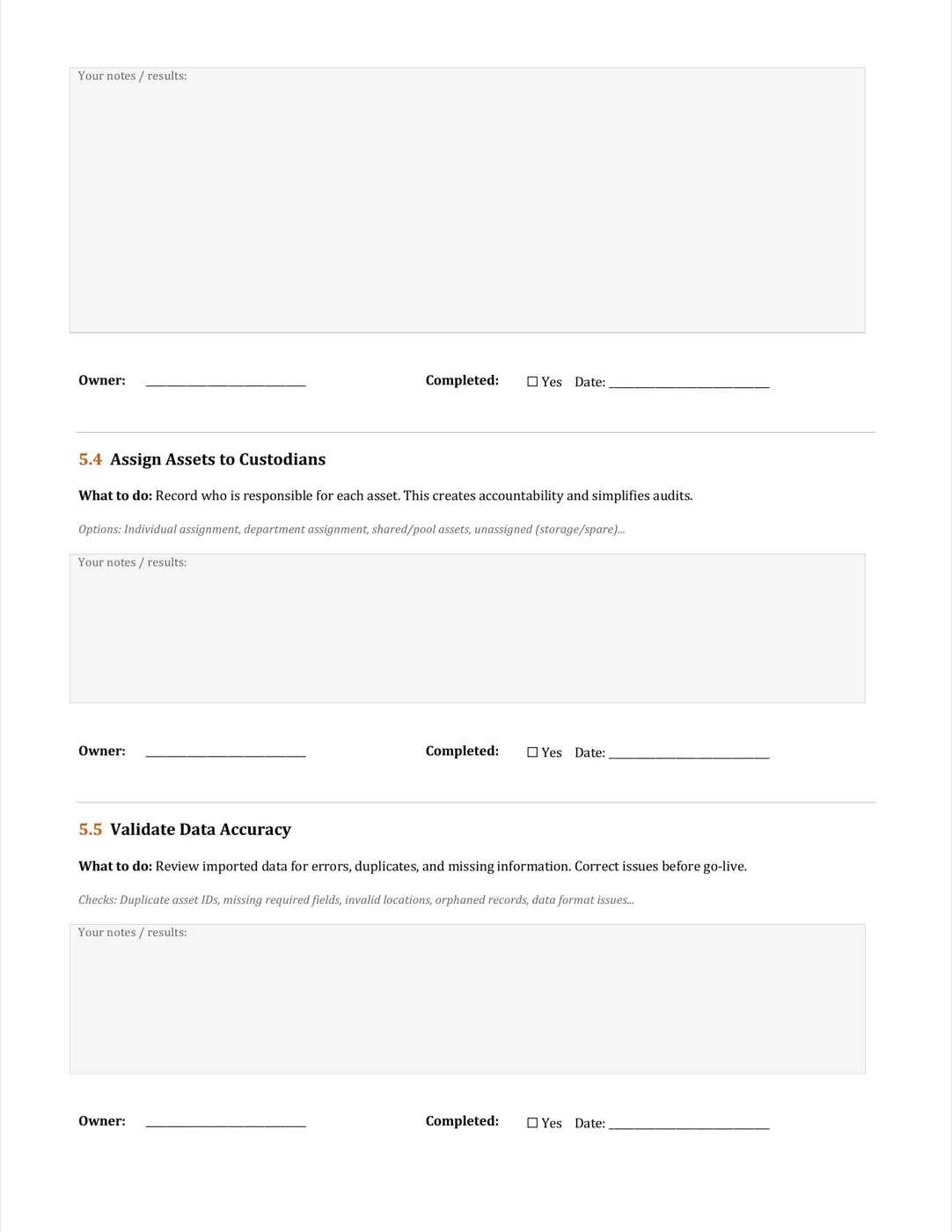
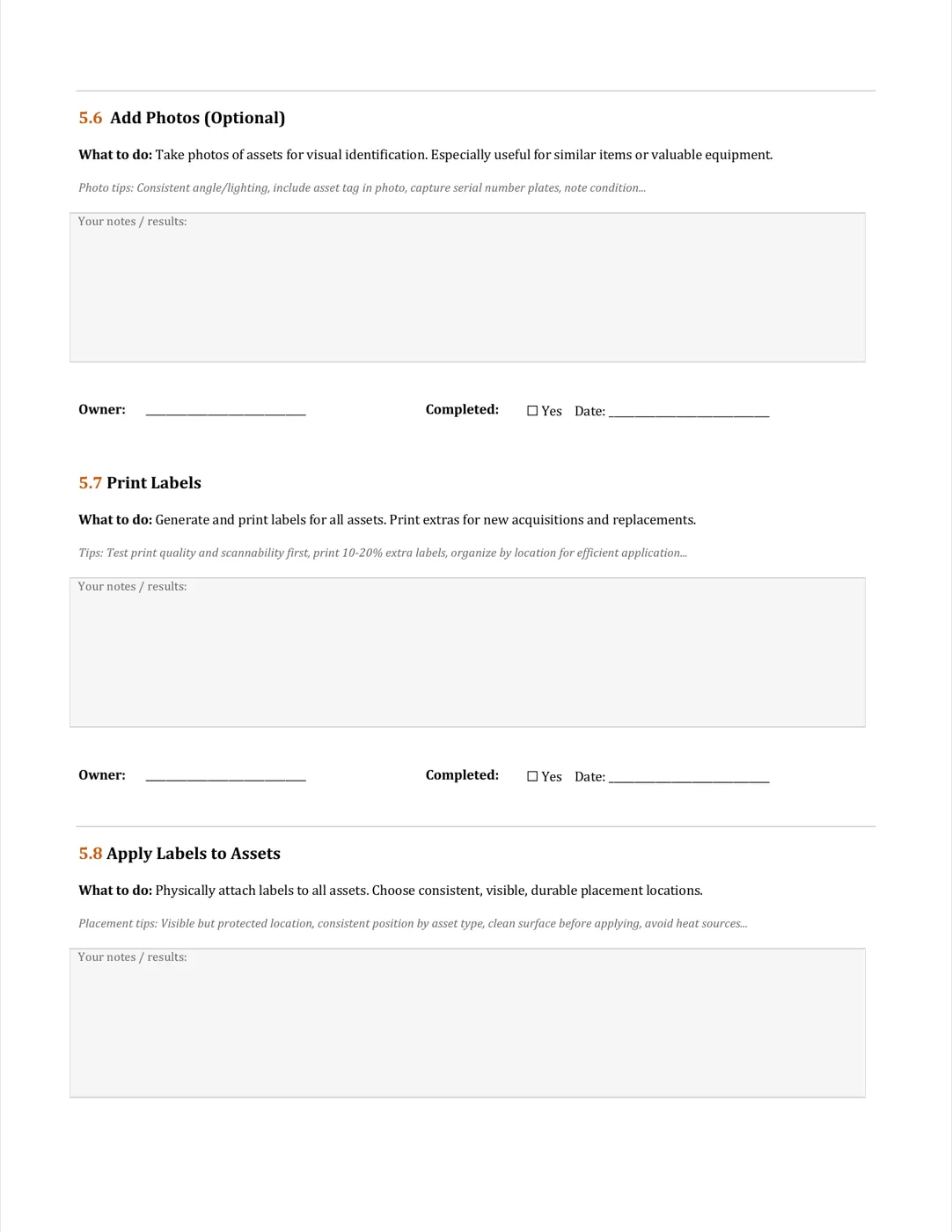
5. Data Entry
Prepare, import, assign assets to locations and owners, validate accuracy, print labels.
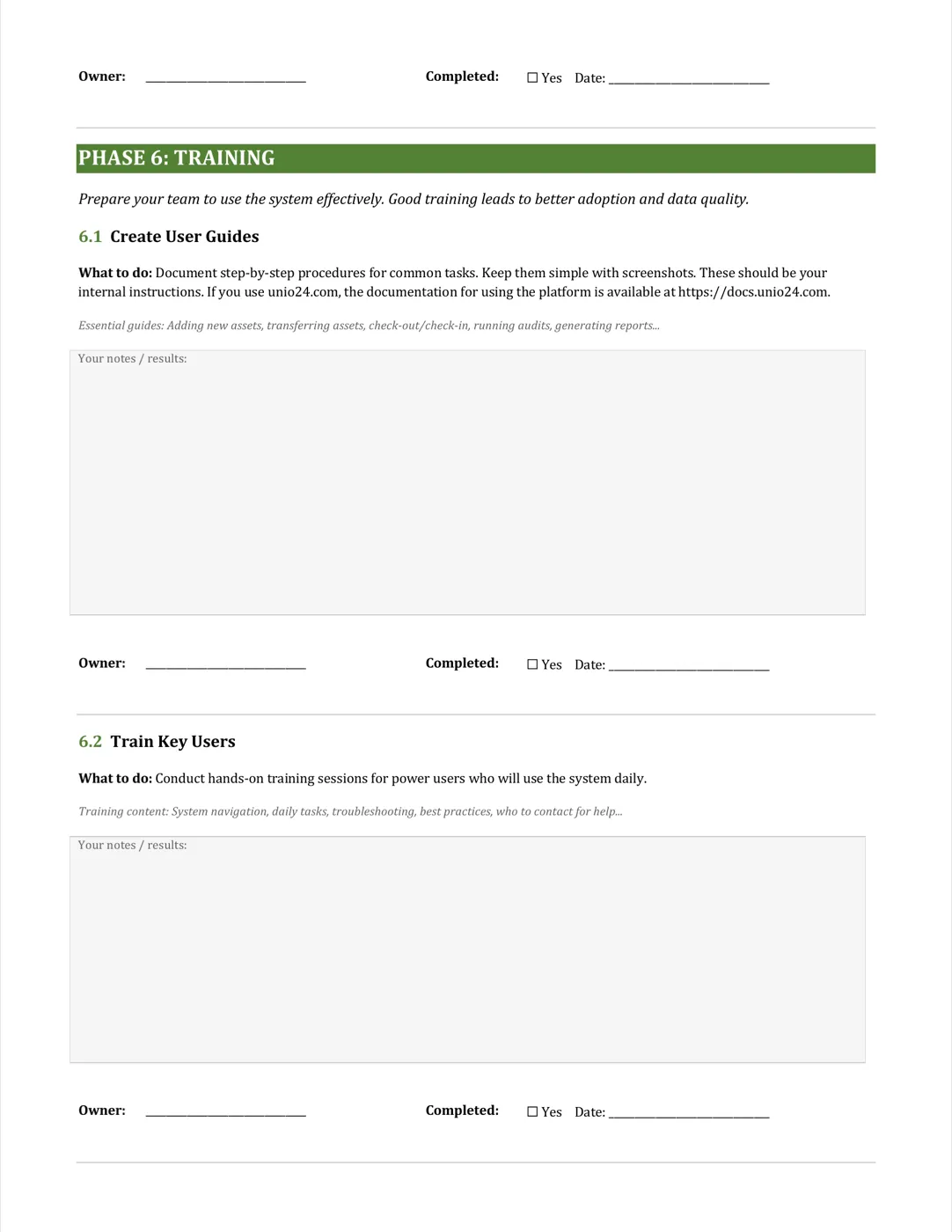
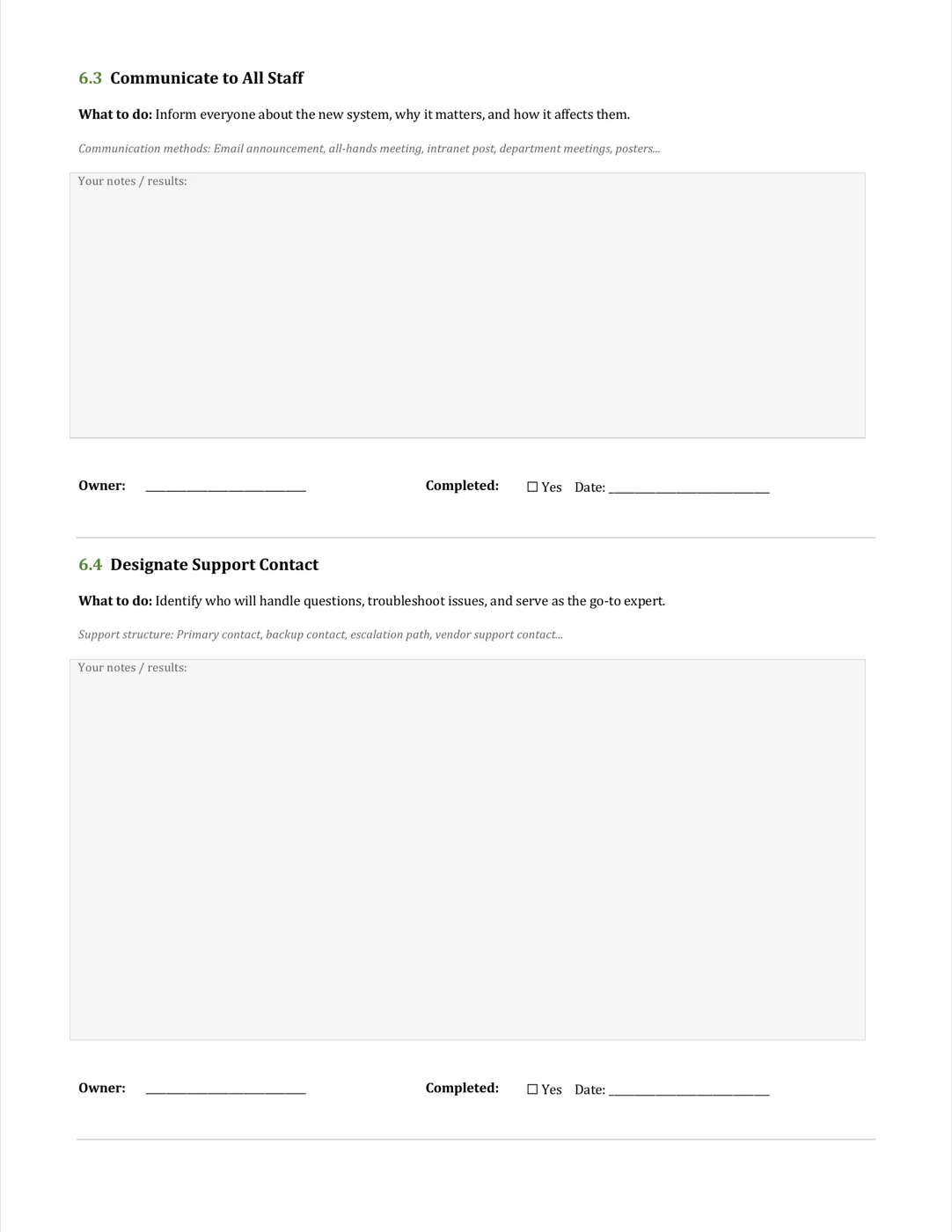
6. Training
User guides, key-user training, staff communication, designate a support contact.
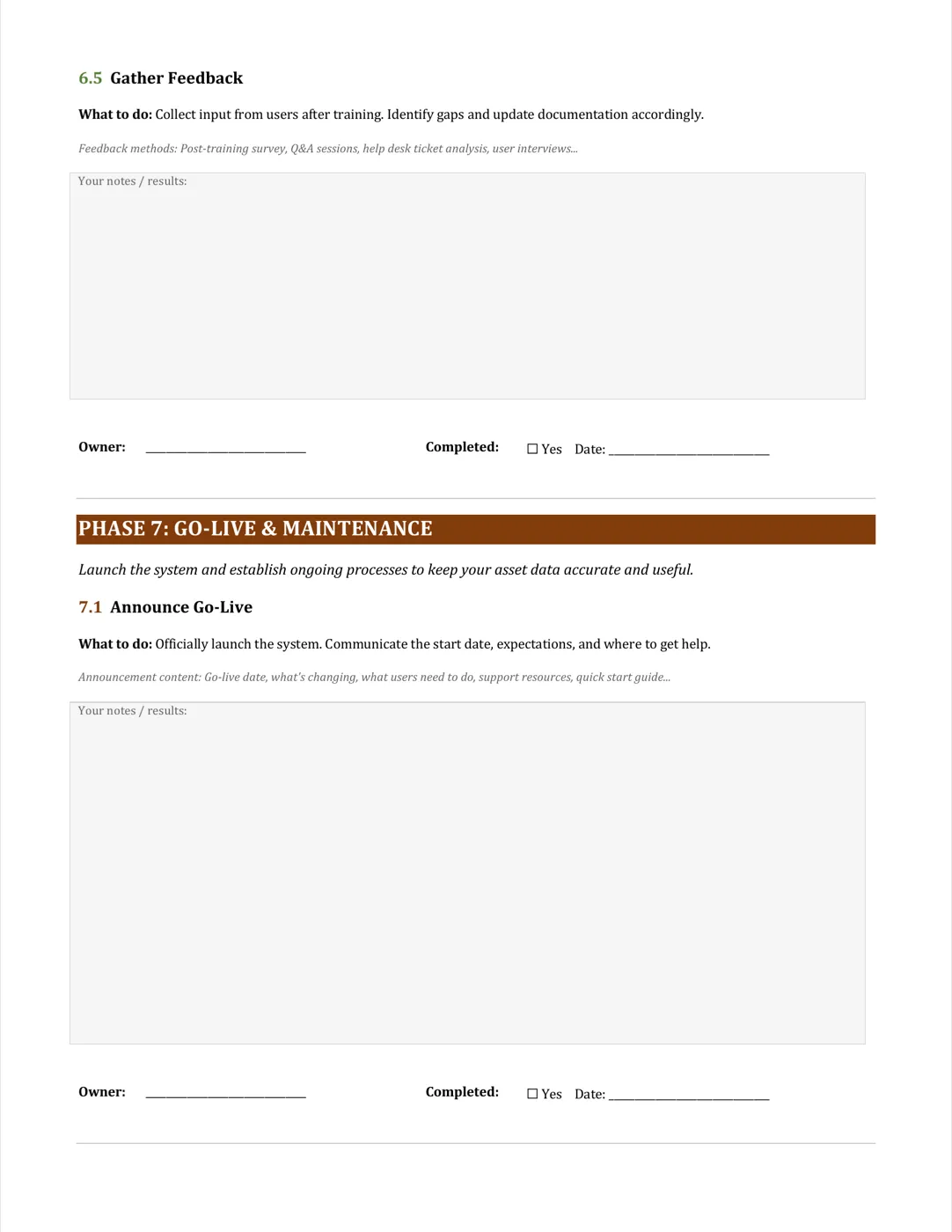
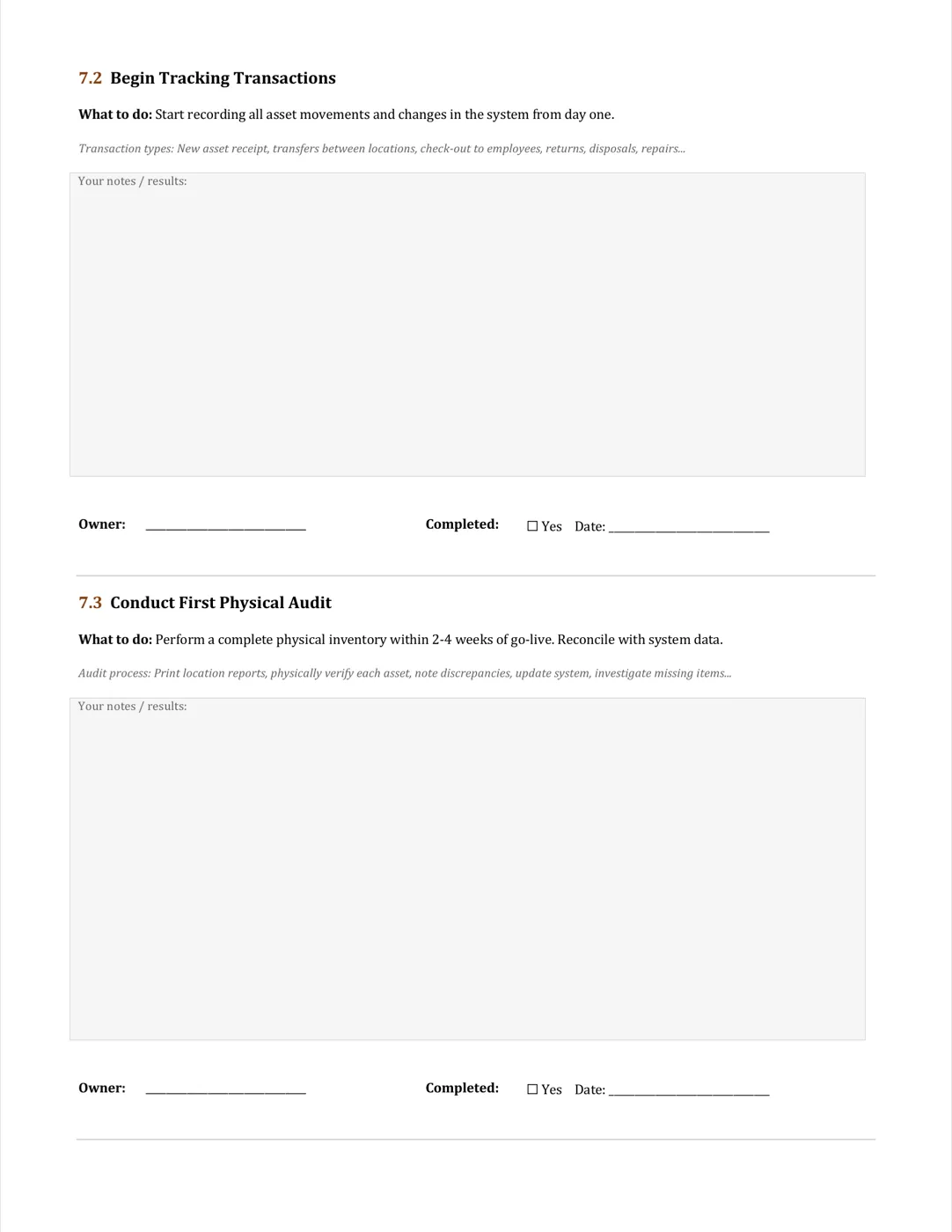
7. Go-Live & Maintenance
Announce go-live, run first audit, set audit schedule, maintain data accuracy.

How to Use Your Implementation Checklist
From download to go-live — four moves that get you there without losing the plot.
Download the Checklist
Fill out the form above to receive your comprehensive PDF checklist via email.
Review with Your Team
Share with stakeholders, assign owners and responsibilities for each phase.
Follow Step-by-Step
Work through each section systematically, check off completed items as you go.
Track Your Progress
Use the built-in progress tracker to monitor milestones and stay on schedule.
Frequently Asked Questions
Everything you need to know about implementing asset tracking
How long does a typical asset tracking implementation take?
Timelines depend on size and complexity. Small businesses (50-200 assets) usually go live in 1 week. Medium organizations (200-1,000 assets) need 2-3 weeks. Large enterprises (1,000+ assets) often need 3-4 weeks. The checklist keeps you on track regardless of scale.
What is the most critical phase of implementation?
Data preparation. It is the most time-consuming phase and the one that determines whether everything else works. The checklist covers auditing, cleaning, and organising your existing data before migration in detail.
Can I implement asset tracking in phases?
Yes — phased rollout is often the right choice, especially for larger organisations. Start with a pilot department or asset category, prove it works, then expand. Both full and phased rollouts are covered.
How do I measure implementation success?
The checklist has a section on KPIs and success metrics to define before you start — data accuracy rate, user adoption percentage, time saved on asset searches, reduction in asset loss, maintenance cost savings.
Do I need technical expertise to implement asset tracking?
Not really. The checklist is written for non-technical users. IT support helps, but modern cloud systems like UNIO24 are designed for business users to roll out with minimal technical knowledge.
How do I ensure user adoption after implementation?
Adoption needs proper training, clear communication of benefits, and a system that is easy to use. The training and change management section of the checklist covers templates, communication plans, and adoption tracking.
What if I am switching from spreadsheets to a tracking system?
Specific guidance for migrating from spreadsheets is included. There is also a free spreadsheet template pre-formatted for easy import into UNIO24 and other systems.
What support is available during implementation?
UNIO24 provides onboarding calls, email and chat support, video tutorials, and documentation. Enterprise customers get a dedicated implementation specialist and custom training programs.
Go Deeper on Implementation
While the checklist guides the process, these playbooks cover the critical details.

How to Choose the Right Asset Tracking System
Cloud vs on-premise, must-have features, ROI calculation, and the costly mistakes most companies make when picking software.
Read more: How to Choose the Right Asset Tracking System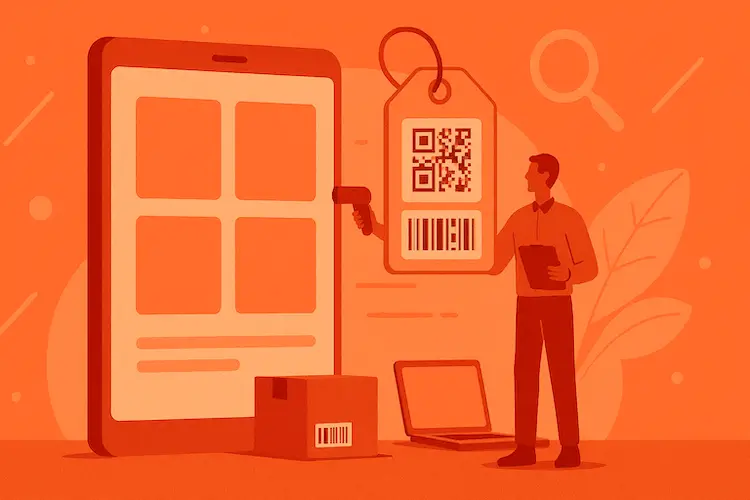
Asset Tagging Best Practices: A Practitioner's Guide
Label types, placement strategies, numbering schemes. Everything we learned tagging thousands of assets.
Read more: Asset Tagging Best Practices: A Practitioner's Guide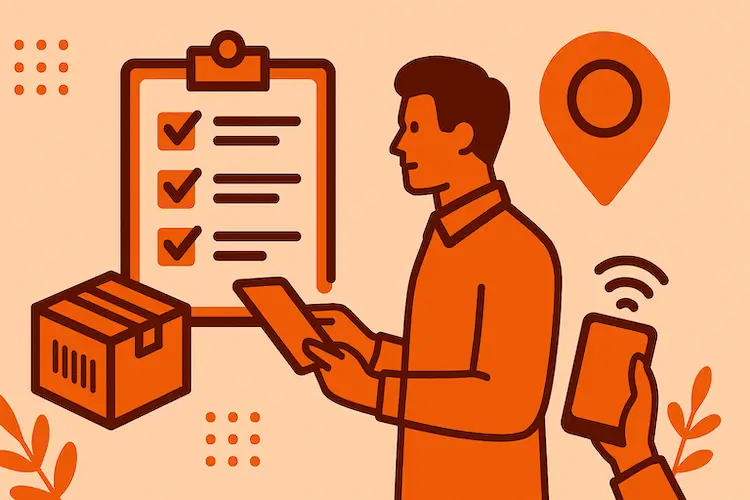
How to Run a Successful Asset Tracking Pilot
Structure a pilot with real success criteria, pick the right scope, avoid the 4 common failure modes.
Read more: How to Run a Successful Asset Tracking Pilot