On August 1, 2026, AssetTiger converted every free plan into a 30-day trial. The trials end on August 31, 2026. Accounts that have not upgraded by then move to view-only mode: the data stays stored, but working with it (adding assets, editing records, check-in/check-out) requires a paid plan. The change was announced in an email to free-plan users. There is no public banner on the site, so plenty of teams will find out the hard way when the trial clock runs out.
If your asset register lives in a free AssetTiger account, you have until the end of August to decide what happens next.
The timeline
| Date | What happens |
|---|---|
| Until August 1, 2026 | Free plans work as before |
| August 1, 2026 | Every free plan becomes a 30-day trial; a 50%-off first-year offer appears in accounts |
| August 31, 2026 | Trials end; the discount applies automatically for accounts that upgrade |
| After August 31, 2026 | Accounts without a paid plan switch to view-only; data stays stored |
Worth remembering: this is the second cut in a row. Earlier the free tier had already been trimmed to 2 users and 5 custom fields, with capped email alerts. The August change finishes the job. There is no free tier left to trim.
What "view-only" means in practice
The announcement is deliberately reassuring: "your data stays safe, and you can upgrade anytime if you change your mind." Both parts appear true, and neither means your operation keeps running.
View-only means the register freezes. Nobody checks equipment out or logs a repair, and the laptops from the September onboarding batch never make it in. For an asset register, frozen is broken: within a few weeks the data on screen stops matching reality, and the gap only grows.
One thing the announcement does not spell out: whether exports keep working in view-only mode. Maybe they will. I would not bet a company's asset history on "maybe." More on that in the checklist below.
Why this is happening: follow the label money
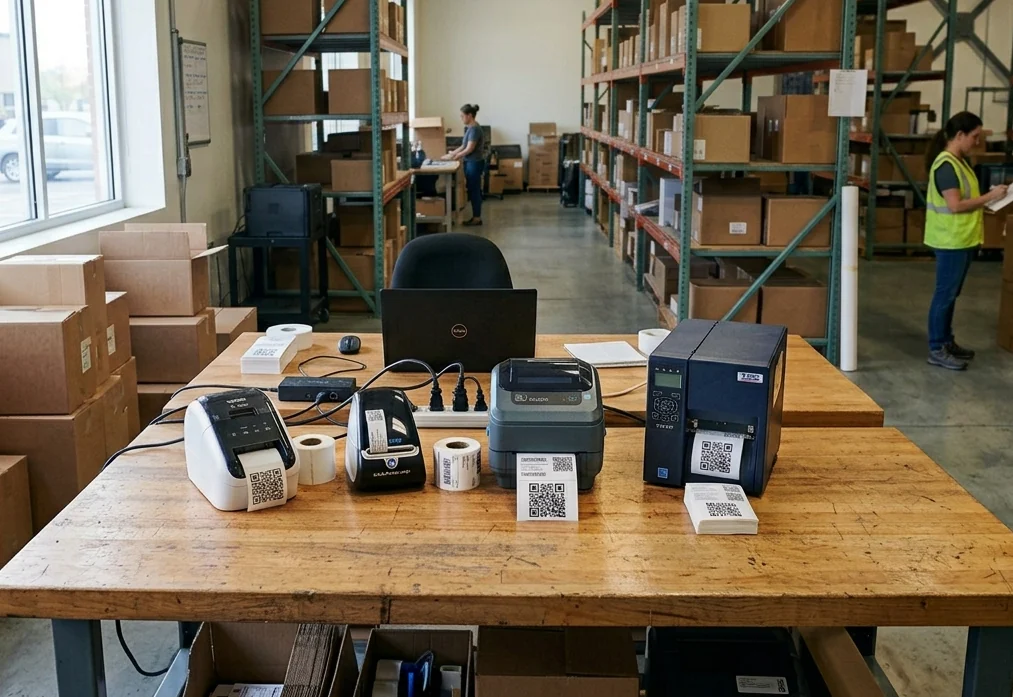
AssetTiger is not a standalone software company. It is built by MyAssetTag.com, a manufacturer of asset tags and labels; AssetTiger's own site lists MyAssetTag as its parent organization. For years the deal was simple: the software is free, and the label business it feeds is not.
That business is real money. Looking at MyAssetTag's own catalog prices: economy vinyl and polyester labels run from roughly $0.18–0.28 per tag in volume (around a dollar apiece in small packs), laminated polyester runs up to $2.64 apiece in small quantities, and anodized aluminum tags go from about $0.40 in bulk to about $3 per tag in a 100-pack. Tag a 500-asset fleet and you have spent hundreds of dollars on stickers alone, and the purchase repeats, because printed labels are a consumable. They scratch, fade, peel, and every new asset needs a fresh one.
Sticker-based tagging also has a natural ceiling. A vinyl or polyester label rarely survives long in real service: outdoors, under sun and cleaning chemicals, print fades and adhesive lets go within a year or two, often faster. Metal lasts longer but costs more, and the printed data on either can never change. Meanwhile NFC tags are passive, carry no battery, and are rated for a decade or more of service and around 100,000 rewrites: the data lives in the system, not in the ink. BLE beacons add years of battery-powered service plus radio-based finding. An ecosystem that earns its margin on re-printing stickers has little reason to steer you toward tags you buy once. If you are choosing a tagging approach for the next decade, start from the material and the environment, not from what the label shop sells. Our asset tagging best practices guide walks through exactly that decision.
The strange part: the label business has not gone anywhere, yet the company still decided to retire the free software that fed it. The old bargain of free app plus paid stickers is now over on both ends. The software costs money, and the consumables are still consumables.
Your three options
1. Stay and pay
The honest option nobody writes about: if AssetTiger's track-and-audit feature set covers everything you need, staying is reasonable. Your data is already in place, your team knows the tool, and there is a 50%-off first-year offer waiting in your account. Check what the renewal costs in year two before you commit, and make sure the limits that bit the free tier (custom fields, email alerts) are actually lifted on the plan you pick.
2. Switch to UNIO24
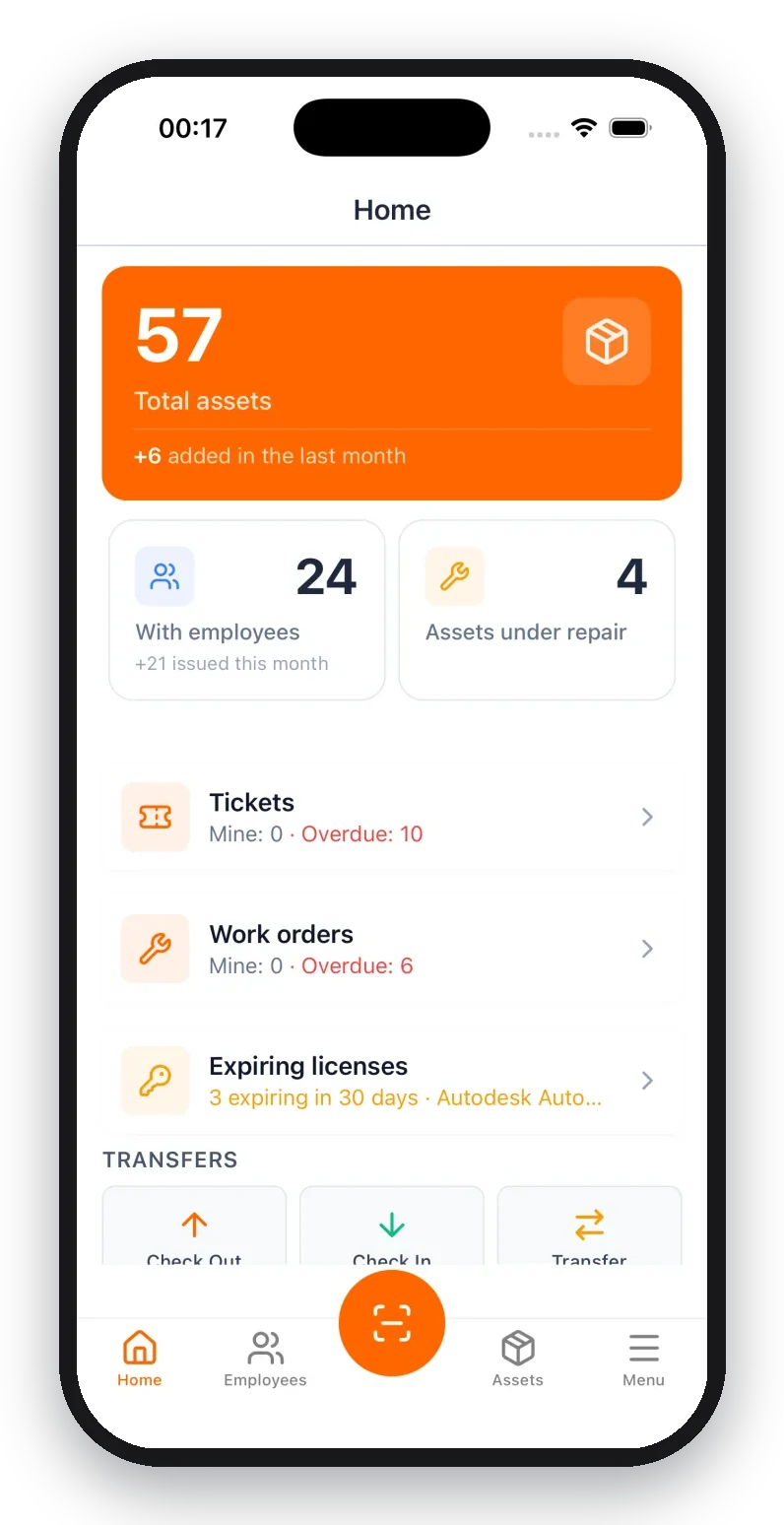
If you are opening a wallet anyway, compare what the money buys. UNIO24 is a full asset management platform with maintenance, work orders, service tickets, IT assets, licenses, and analytics around the same tracked register. Three things matter most for AssetTiger refugees:
- Free up to 50 assets, with no trial clock. Smaller registers move over and keep paying nothing. This is the full platform, not a cut-down tier.
- Inventory management is part of the standard plan. Consumables and stock levels are not billed as a separate add-on.
- The team migrates you personally. We review your AssetTiger export together, map the fields, run the import, and check the result before your team switches over. Your existing QR and barcode labels keep scanning: imported tag IDs bind to your assets, so there is no re-labeling pass.
The full feature-by-feature breakdown is in our UNIO24 vs AssetTiger comparison.
3. Do nothing
That is a choice too, as long as you make it deliberately. On September 1 your register freezes, and the cost is invisible at first: the data merely goes stale. The real bill arrives later, at the next audit or the next "who has the projector?" Slack thread. If you are going to land here, at least run the export below first, so doing nothing later does not turn into losing everything.
How to export your data from AssetTiger (before August 31)
Whatever you choose, staying included, get a full copy of your data out while the account is fully active:
- Export assets to CSV, and make sure custom-field columns are included. This is the file any future system imports from.
- Include the tag/barcode ID column. It is what binds your physical labels to records in a new system without re-labeling anything.
- Download photos and documents separately. File attachments do not travel inside a CSV. Pull them while downloads are a certainty, not a hope.
- Export supporting lists (people, sites, locations, categories) so the register's structure survives, not just the asset rows.
Thirty minutes of exporting now buys you the freedom to decide later.
FAQ
Can I still use AssetTiger for free after August 31, 2026?
No. Free plans became 30-day trials on August 1, and the trials end August 31. After that, accounts without a paid plan are view-only: records remain visible, but adding assets, editing, and check-in/check-out stop working.
Will AssetTiger delete my data when the trial ends?
The emailed notice says the data stays stored and you can upgrade anytime to regain access. Deletion is not part of the announced change. View-only is not full access, though, so keep your own exported copy regardless.
Can I export my data after the trial ends?
Unconfirmed. The announcement promises stored data but does not spell out whether exports and report downloads work in view-only mode. Export while your account is fully active instead of testing this in September.
Is there a free AssetTiger alternative?
UNIO24 is free for your first 50 assets: the full platform with native mobile apps, unlimited custom fields, and data export, no credit card and no trial clock. Inventory management ships in the standard plan rather than as a paid add-on, and the team personally helps you move your AssetTiger data over.
Moving before the deadline? Contact us, mention you are coming from AssetTiger, and we will walk your export through field mapping and import together. Most teams finish the same day.