Be honest: how many times have you opened your equipment spreadsheet only to realize the data was already outdated a month ago?
If you're reading this, you've probably been through all the stages - from "Excel handles this just fine" to "where's that laptop we gave to Mike last year?" And you know what? That's a completely normal journey. Excel is a great tool. But every tool has its limits.
Let's figure out when it's actually time to find an asset management spreadsheet alternative, and when you can still hold off.
Why Excel Became the Default "Tracking System"
It's pretty straightforward. Everyone has Excel. It's familiar, intuitive, requires zero implementation. When you have 20 pieces of equipment - it's the perfect solution. Create a spreadsheet, add columns for "name," "serial number," "assigned to," "date" - and you're done.
The problem is that your business grows, but Excel doesn't. Well, it does grow - just in the most inconvenient way: the file gets bigger, formulas get more complex, and trust in the data gets smaller.
5 Signs It's Time to Replace Excel
1. You Don't Know If the Data Is Current
You open the file and see: last updated three weeks ago. Who updated it? What changed? Can you trust these numbers? When there's no answer to these questions - that's your first red flag.
2. Multiple Versions of the Same File
"Equipment_final.xlsx," "Equipment_final_v2.xlsx," "Equipment_NEW_FINAL.xlsx." Sound familiar? When three people work with the same file but everyone saves their own version - chaos is inevitable.
3. Inventory Counts Turn Into Detective Work
You run an inventory audit and discover that according to your records, the laptop belongs to Maria in accounting, but it's actually with Alex in sales. And nobody remembers when that happened. No movement history, no accountability trail - just shrugged shoulders.
4. Maintenance Happens When Things Break
When was the last service check on the printer? When did you replace the toner? Excel won't remind you. It doesn't send notifications. The result - unexpected breakdowns at the worst possible moment.
5. You Spend Hours on Reports That Are Outdated in Minutes
Pulling data from different tabs, consolidating it into a pivot table, formatting it nicely... By the time the report is ready, reality has already changed.
What Dedicated Software Actually Gives You
Let's skip the marketing fluff. Here's what you actually get when switching to asset management software:
Single source of truth. All data in one place. Not in someone's "My Documents" folder on their laptop, but in the cloud, accessible to the entire team.
Change history. Who did what to which asset, and when. No more guessing or asking around.
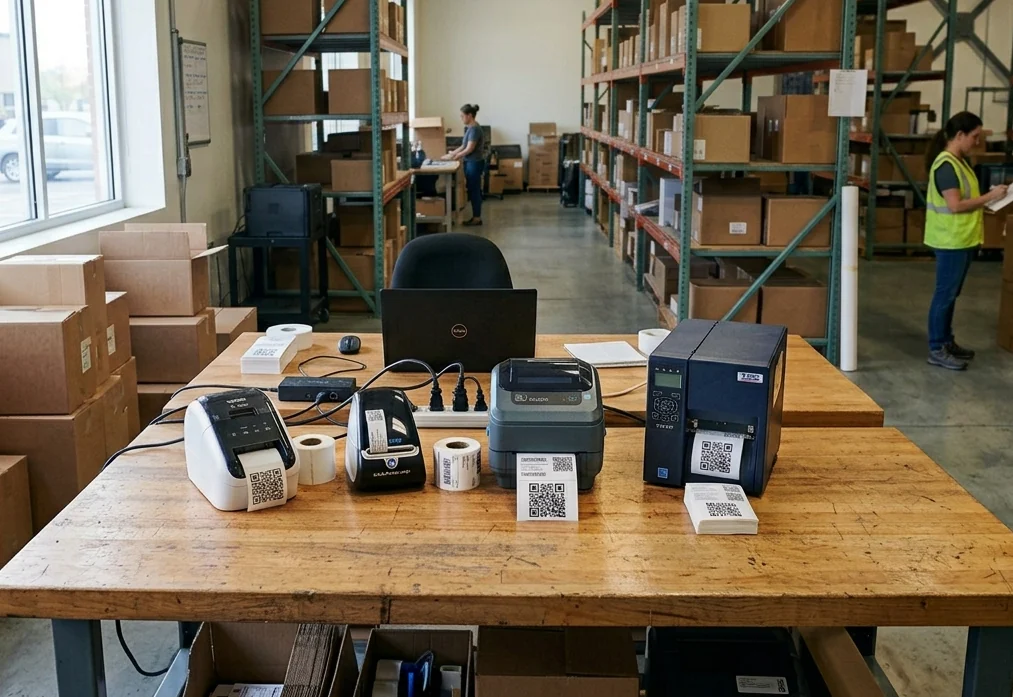
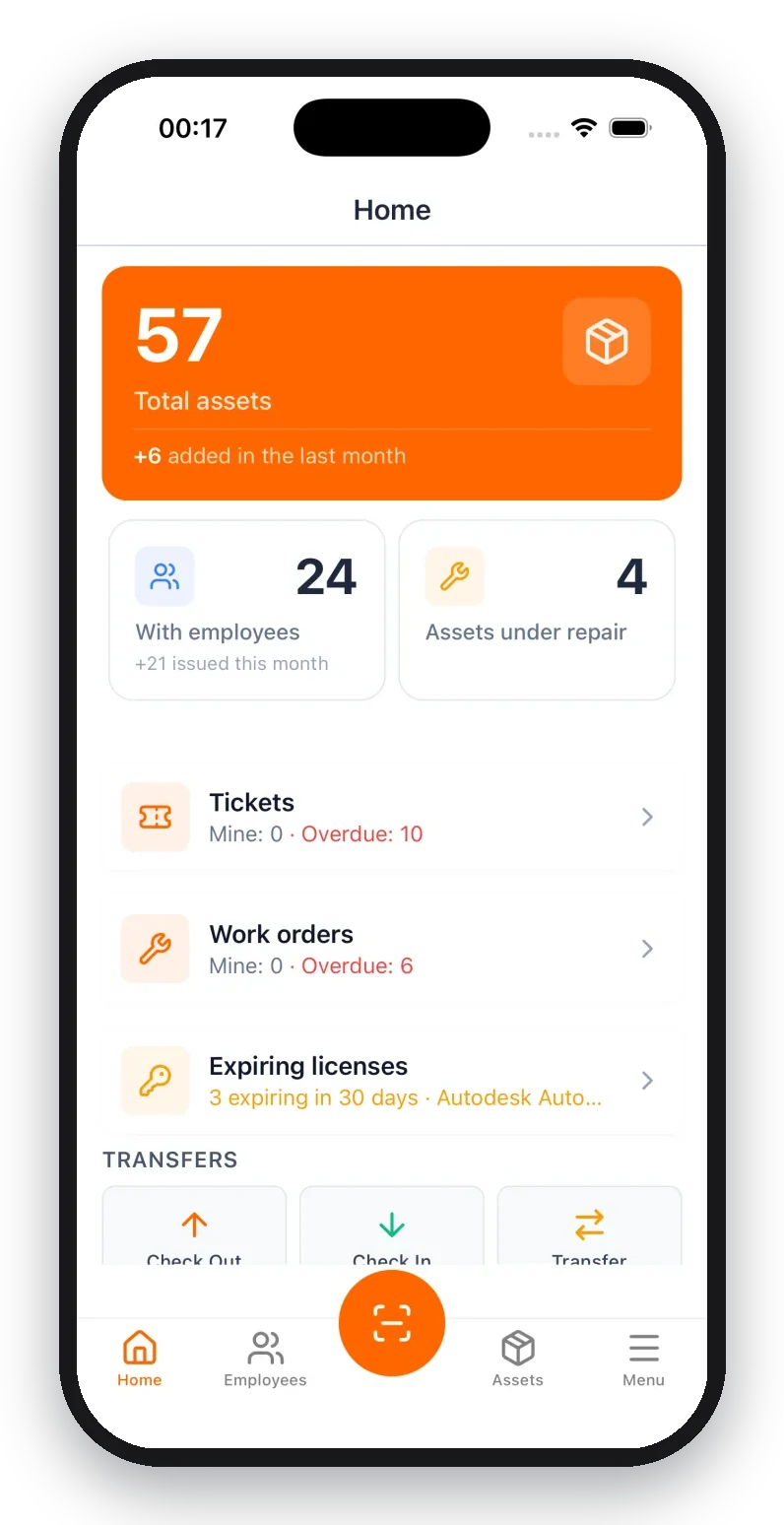
Mobile access. Scan a QR code with your phone - and instantly see all the information about that piece of equipment. Right there on the warehouse floor, in the office, or at a job site.
Automatic reminders. The system alerts you when maintenance is due or warranty is expiring.
Analytics. How much equipment is sitting idle? Which assets constantly need repairs? Decisions based on data, not gut feelings.
Why UNIO24 Makes Sense
When we talk about an asset management spreadsheet alternative, it's important to find a solution that won't create new headaches. UNIO24 is exactly that kind of tool: powerful enough for serious work, yet simple enough to actually use.
What sets UNIO24 apart:
- Free for up to 50 assets - try it with no financial commitment and see if the system fits your needs
- Launch in a single day - CSV & Excel import, QR code scanning, ready-made templates. No lengthy implementation or consultants required
- Mobile apps for iOS and Android - run inventory audits right from your smartphone with real-time sync
- Complete asset lifecycle — from purchase to disposal: transfers, maintenance, repairs, documentation
- Unlimited users — your whole team can work in the system without paying extra for "seats"
And UNIO24 isn't overloaded with features you'll never need. It's not an enterprise monster that takes six months to implement. It's a working tool for real teams.
When It's Still Too Early to Ditch Excel
To be fair — not everyone needs to switch to dedicated software right now.
Excel is enough if:
- You have fewer than 30-40 pieces of equipment
- One person handles everything
- You don't need to track movements and history
- There's no need for mobile access
- Inventory happens once a year and takes a couple hours
In that case — don't fix what isn't broken. Excel will do the job.
How to Make the Transition Painless
If you've decided it's time to replace Excel with something better suited for the job, here are some tips:
- Start small. Don't try to migrate everything at once. Pick one department or one category of equipment.
- Clean your data before migrating. This is the perfect moment to get rid of "ghost assets" — items that are long gone but still live in your spreadsheet.
- Assign an owner. Someone needs to be the "system admin," at least in the beginning.
- Use the free trial. Most modern systems, including UNIO24, offer a free tier. Test it with real data before making a decision.
- Train your team. Even the simplest tool requires a basic intro. 15 minutes of explanation will save hours of questions later.
The Bottom Line
Moving from Excel to dedicated software isn't admitting defeat. It's a sign of growth. When a spreadsheet stops keeping up — it means your business has outgrown it.
An asset management spreadsheet alternative isn't about chasing trendy tech for tech's sake. It's about saving time, reducing losses, and having control that actually works.
And you can start right now — for free. UNIO24 lets you try the system with up to 50 assets, no strings attached. You might find that making the switch is easier than you thought.
P.S. If you're still on the fence after reading this — go ahead and open your current equipment spreadsheet. If you're 100% confident that all the data is accurate and up to date — great, keep using what works. If not... well, you know what to do.