Free Lockout Tagout Procedure Template for Excel
A machine-specific lockout/tagout procedure to fill in and post at each machine, a lockout log, and the yearly periodic inspection checklist, plus a register that shows which machines have no procedure, which need revising and which are due for their inspection. Works in Microsoft Excel and Google Sheets.
What a lockout tagout procedure covers
Lockout/tagout (LOTO) is how you keep a machine from starting, moving or releasing energy while someone works on it. Workplace safety rules require a written energy control procedure for each machine with hazardous energy (unless it has a single source that is easy to isolate), personal locks and tags, verification that the machine is at zero energy before work starts, and an inspection of each procedure at least once a year.
A generic company policy is not enough: the procedure has to say where this machine's disconnect is, which air valve feeds this clamp, and how to block this press ram. The LOTO Procedure tab is a one-page machine-specific procedure:
- Energy sources and isolation points: each source (electrical, hydraulic, pneumatic, mechanical, gravity, thermal, chemical, stored energy) with its magnitude, the isolation device, where it is, how to lock it, and how to verify zero energy.
- Shutdown and lockout: notify affected employees, shut down normally, isolate every source, apply personal locks and tags, release or restrain stored energy, verify zero energy.
- Return to service: clear tools and people, refit guards, notify, each person removes only their own lock, restore energy and test.
Pick the machine's ID and its type and location fill in; adjust the steps and post a signed copy at the machine.
Lockout Log. One row per lockout: machine, the work done, the authorized employee, the lock number, and when the lock came off. Lock Status reads LOCKED until the removal date is entered, so you can see which machines are locked out right now.
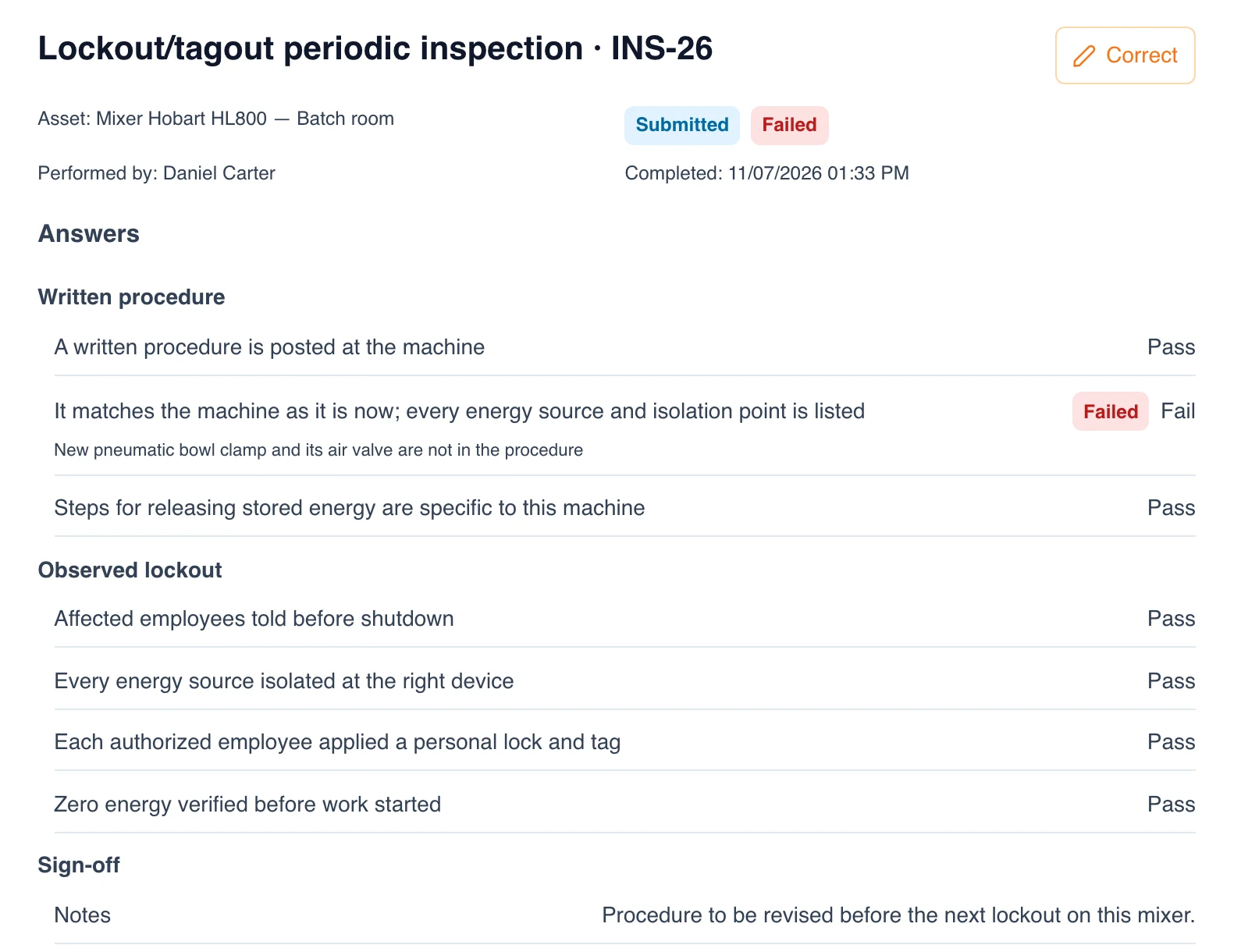
Periodic Inspection. The printable form for the yearly inspection of each procedure, done by an authorized employee other than the one using it: does the procedure match the machine, and was each step followed when you watched it applied?
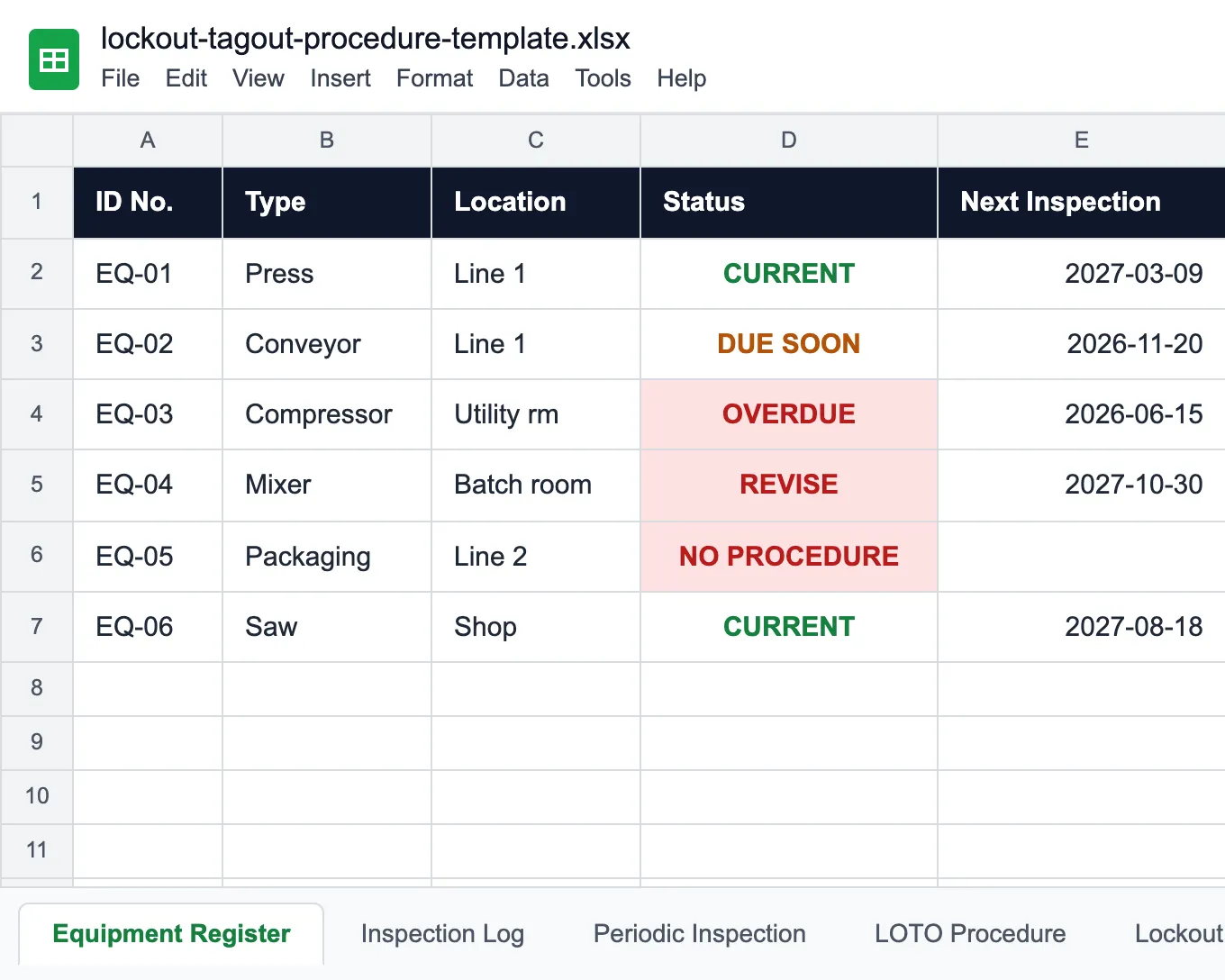
Equipment Register. One row per machine. It reads the Inspection Log and shows NO PROCEDURE until a written procedure is logged, REVISE while a periodic inspection found it wrong, OVERDUE when the yearly inspection is late, DUE SOON within 30 days, and CURRENT otherwise.
For the machines' own maintenance history, pair it with the maintenance log template.
Who uses a lockout tagout procedure template
Anywhere people service machines that can start, move or release energy.
Manufacturing plants
Presses, conveyors, mixers and packaging lines, each with its own procedure.
Food and beverage
Mixers, fillers and ovens cleaned and serviced every shift.
Warehouses and distribution
Conveyors, sorters, dock levelers and compactors.
Facilities maintenance
Boilers, air handlers, pumps and electrical panels.
Utilities and water treatment
Pumps, valves and motors with several energy sources at once.
Safety managers
Which machines have a procedure, which need revising and which are due for inspection.
Before you fill it in
The mixer got a new air clamp in May. The LOTO procedure still says one disconnect.
Try UNIO24 to automate LOTO inspections.
Try UNIO24 FreeA spreadsheet goes out of date within days, and keeping it current takes someone's time every week. UNIO24 automates that work: each inspection and procedure revision updates the machine's record as it happens.
| Capability | Free Template | UNIO24 FreeRecommended for plants |
|---|---|---|
| Procedures | ||
| Machine-specific LOTO procedureThe template prints one per machine. UNIO24 keeps it as a document attached to the machine. | Partial | Yes |
| Photos of isolation pointsThe disconnect, the valve and the lock point, attached to the machine. | No | Yes |
| Inspections | ||
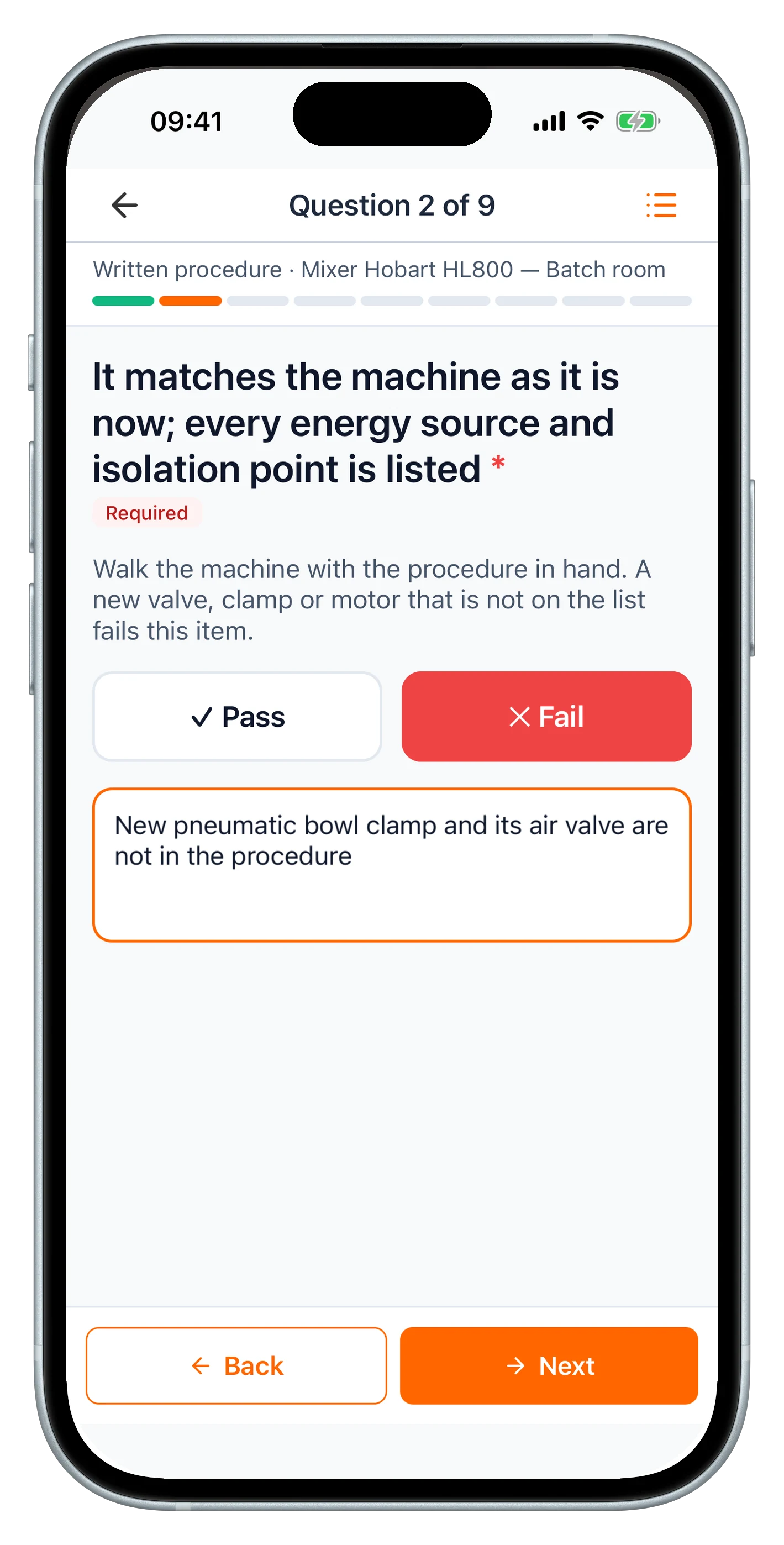
| Yearly periodic inspectionThe template prints the form. UNIO24 runs it on a phone at the machine. | Partial | Yes |
| Procedures that need revising flaggedThe register shows REVISE from the log. UNIO24 records the defect against the machine until it is resolved. | Partial | Yes |
| Data & reliability | ||
| Many inspectors and lines at onceA shared file gets overwritten. UNIO24 handles simultaneous users. | Partial | Yes |
| Full history per machineEvery inspection, repair and procedure document kept on the machine | Partial | Yes |
| Full support | 0/ 6 | 6/ 6 |
Frequently Asked Questions
About lockout tagout procedures and the template
Is the lockout tagout procedure template free?
Yes. No cost, no subscription, no card. Enter your name and email and the Excel file downloads instantly.
Does every machine need its own LOTO procedure?
Every machine with hazardous energy needs a written procedure, unless it has a single energy source that is easy to identify and isolate and nothing stored, and one lock fully shuts it down. Machines of the same model in the same setup can share a procedure; machines that were modified, like a mixer with a new air clamp, need their own.
What is the difference between an authorized and an affected employee?
An authorized employee locks out the machine to service it and applies their own lock. An affected employee operates or works near the machine and needs to know it is locked out and must not try to start it. Both are named in the procedure: the authorized employee signs it, the affected employees are notified before shutdown.
What are the steps of a lockout tagout procedure?
Prepare and notify the affected employees, shut the machine down normally, isolate every energy source at its isolation device, apply personal locks and tags, release or restrain stored energy, and verify zero energy before starting work. To return to service: clear tools and people, refit guards, notify, remove your own lock, restore energy and test. The LOTO Procedure tab lists all ten steps.
How often must lockout tagout procedures be inspected?
At least once a year for each procedure. The inspection is done by an authorized employee other than the one using the procedure, who watches it being applied and reviews it with the people who use it. The Equipment Register counts 12 months from the last inspection and shows DUE SOON 30 days before.
What should a lockout log record?
The date, the machine, the work done, the authorized employee, the lock number and when the lock was removed and by whom. The Lockout Log tab does that and shows LOCKED for every lock still on, so a supervisor can see at the end of a shift which machines are still locked out.
More maintenance and safety templates
For the machines behind your lockout procedures.
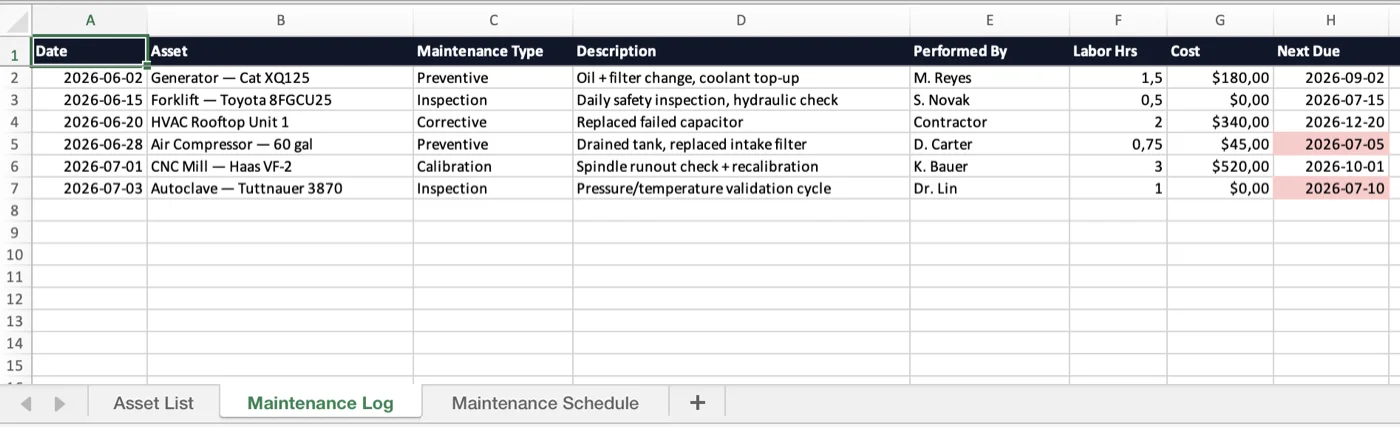
Maintenance Log Template
Service history and a preventive-maintenance schedule for every machine.
Read more: Maintenance Log Template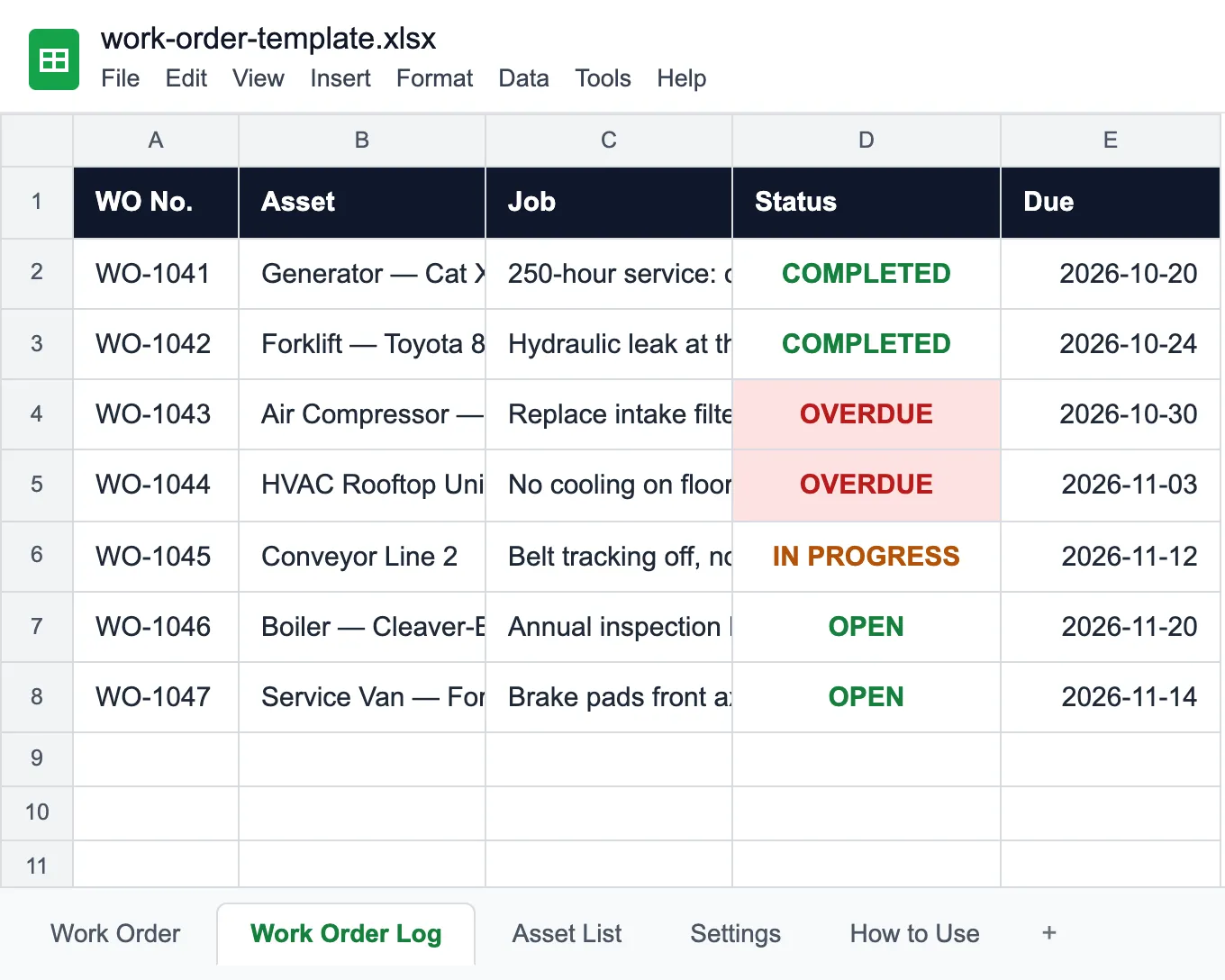
Work Order Template
A printable work order for each repair, and a log that flags the late ones.
Read more: Work Order Template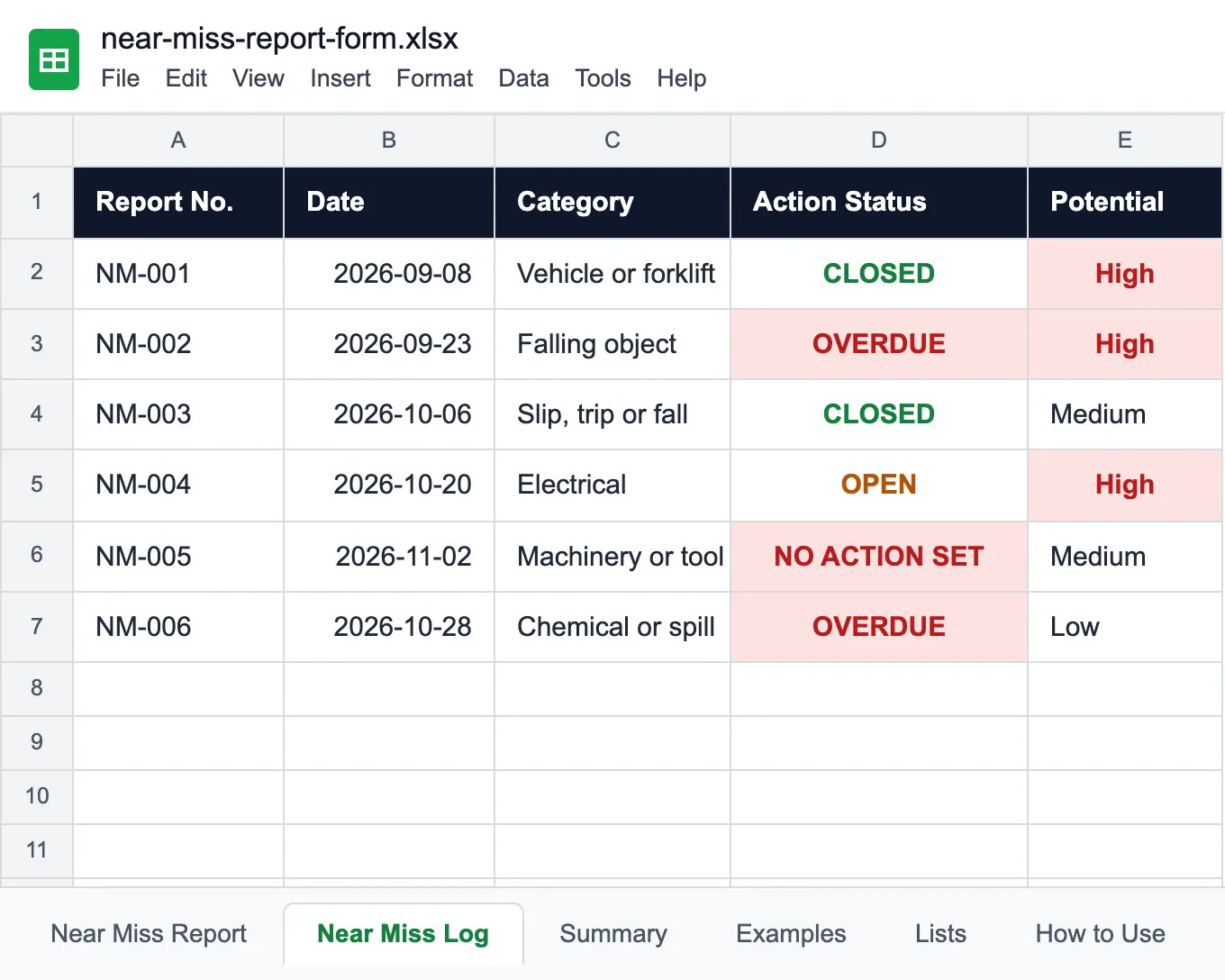
Near Miss Report Form
A one-page near miss report and a log that follows every fix to closure.
Read more: Near Miss Report Form