Free Mileage Log Template for Excel
Log each trip with the odometer at the start and end, the destination and the business purpose. The file works out the miles, flags a gap between two trips or a business trip with something missing, and totals business, personal and commute miles and the reimbursement by month. Works in Microsoft Excel and Google Sheets.
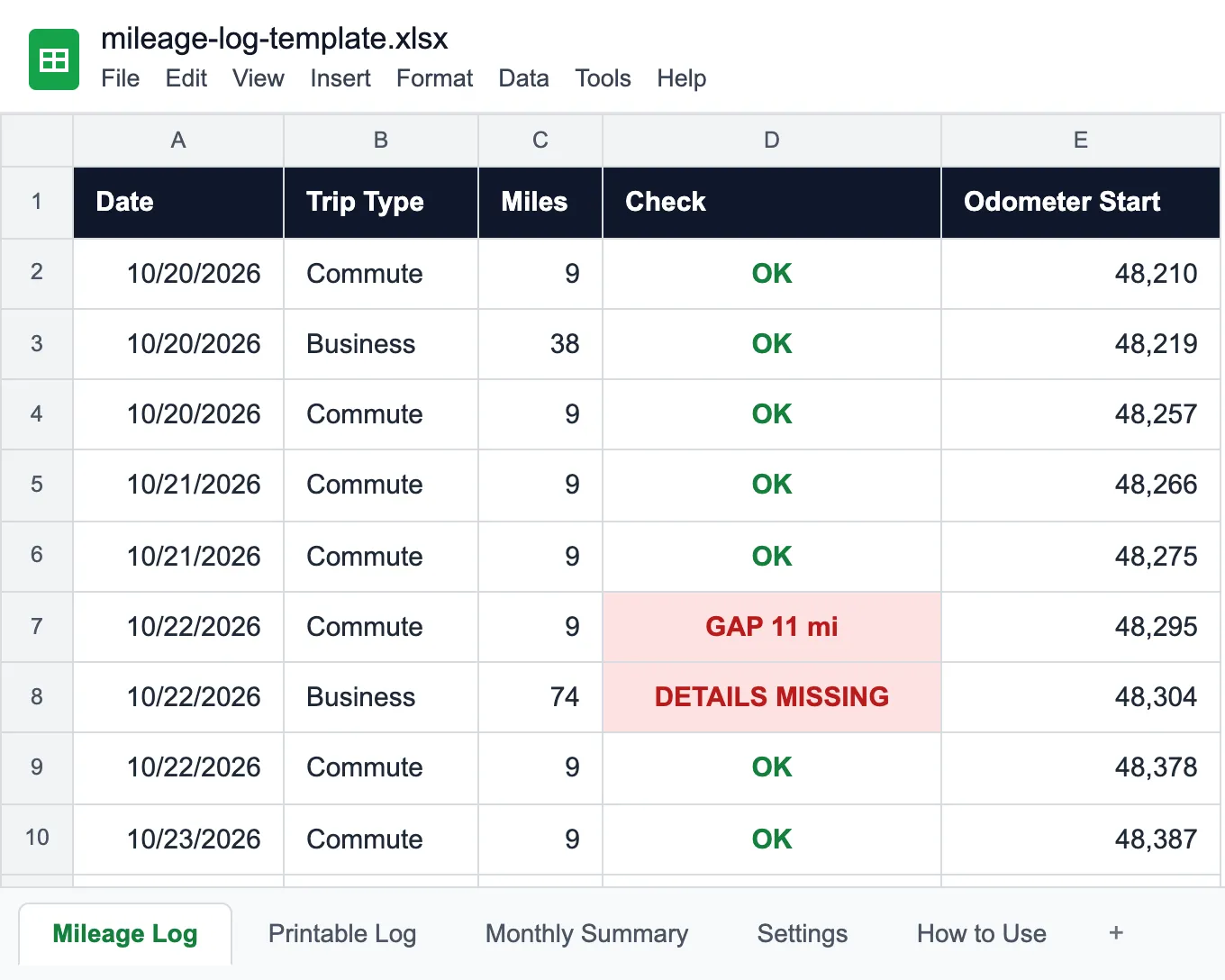
What goes into a mileage log, and what the template checks
A mileage log is a trip-by-trip record of how a vehicle was used: the date, the odometer when you set off and when you got back, where you went and why. It is what an accountant asks for at tax time, what a company needs before it reimburses business miles, and how a fleet manager tells the van that does 900 business miles a month from the one that mostly goes home at night.
Most mileage log templates are a blank table. The trouble is that a blank table accepts anything, and the mistakes that make a log useless are easy to make and hard to spot by eye. So the Mileage Log tab checks every row:
- GAP 11 mi: the odometer at the start of this trip is higher than at the end of the last one. Somebody drove the vehicle and did not write it down.
- ODOMETER?: the end reading is lower than the start, or the odometer went backwards between trips. Usually a typo.
- DETAILS MISSING: a business trip with no destination or no business purpose. Those two are the first things anyone checking the log looks for.
- OK: the row holds up.
The other tabs:
- Printable Log: a blank page with the same columns for the glovebox, for drivers who would rather write than type. Number the pages and keep them in order.
- Monthly Summary: business, personal and commute miles by month, the personal share, the reimbursement at your rate per mile, and how many trips were flagged.
- Settings: the vehicle, the driver, the report year, the odometer on January 1, your rate per mile and the routes you drive often, which the log offers in a dropdown.
One file per vehicle. The gap check compares each trip with the one before, so it only makes sense when every row was driven in the same vehicle.
How to keep a mileage log that holds up
Write the trip down when it ends, not on Friday afternoon. A log reconstructed from memory and a calendar always comes out suspiciously round, and the gap check will show you exactly where it does not add up.
Use the odometer, not a map app's estimate. Two readings per trip take ten seconds and make the numbers impossible to argue with. If you forget the start reading, use the end reading of the last trip: that is what it should be anyway.
For business trips, write a purpose someone else would understand. "Client meeting" says nothing; "Service the compressor at Midwest Dental Group, Dublin" says what, where and for whom. The Client column is optional in the check, but it is the column that answers the follow-up question.
Personal and commute trips belong in the log too. They are what makes the business share believable: a log with only business trips on a vehicle that is also driven home every night does not add up.
Do not overwrite. If a row is wrong, correct it and say why in Notes, or on paper, cross it out so it stays readable and initial it. An editable spreadsheet is easy to change later, which is exactly why a printed log kept in the vehicle, or an app that records every change, carries more weight.
The sample in the file is a field technician's company van over two weeks in October and November: commutes, customer calls, Saturday errands, one 11-mile gap and one call with no purpose written down. Replace it with your own trips; the checks and totals carry on. For the same van's fuel, services and repairs, use the vehicle maintenance log template.
Who uses a mileage log template
Anyone who has to show how far a vehicle went, and why.
Field service companies
Technicians in company vans, with customer calls all day.
Contractors and trades
Trucks between the shop, the supplier and the job site.
Sales teams
Company cars and personal cars driven for business.
Small business owners
One vehicle used for business and private trips.
Nonprofits and home care
Staff and volunteers reimbursed for the miles they drive.
Fleet managers
How each vehicle is used, and which logs have gaps.
| Capability | Free Template | UNIO24 FreeRecommended for fleets |
|---|---|---|
| Trips | ||
| Trips with odometer readingsThe template logs one vehicle per file. UNIO24 logs trips against each vehicle in the fleet. | Partial | Yes |
| Odometer gaps flaggedThe template checks each row against the one before. | Yes | Yes |
| The rest of the vehicle | ||
| Fuel, repairs and services on the same recordMileage next to what the vehicle costs to run. | No | Yes |
| Cost per mile per vehicleFuel, repairs, insurance and depreciation added up per vehicle. | No | Yes |
| Data & reliability | ||
| Many drivers and vehicles at onceA shared file gets overwritten. UNIO24 handles simultaneous users. | Partial | Yes |
| Full support | 1/ 5 | 5/ 5 |
Frequently Asked Questions
About mileage logs and the template
Is the mileage log template free?
Yes. No cost, no subscription, no card. Enter your name and email and the Excel file downloads instantly.
How do I calculate mileage reimbursement?
Business miles times the rate per mile. Put your rate in Settings, either your company's own rate or the current standard mileage rate if your policy uses it, and the Monthly Summary works out the amount for each month and the year. Commute miles are normally not reimbursed, which is why they are counted separately.
Does commuting count as business mileage?
Usually not. Driving between home and your regular workplace is generally treated as commuting, while trips from the workplace to clients, sites or suppliers are business. The template keeps the three types apart; check your own policy or ask your accountant for the edge cases.
What should a mileage log include?
For every trip: the date, the odometer at the start and the end (or the miles driven), the destination, and for business trips the business purpose. The client or person you met is worth adding. Personal and commute trips go in too, so the business share adds up.
Can I use one log for several vehicles?
Keep one file per vehicle. The gap check compares each trip with the one before, which only works if both were driven in the same vehicle. For a fleet, an app that logs trips against each vehicle saves keeping a stack of files in step.
Is a spreadsheet mileage log good enough?
It is a good way to total the miles, but it is easy to edit after the fact, which weakens it as evidence. Keep the printed log in the vehicle and fill it in at the time, or use an app that records when each trip was entered and changed. This template is a record-keeping aid, not tax advice.
More templates for fleet vehicles
The rest of what a vehicle needs on record.
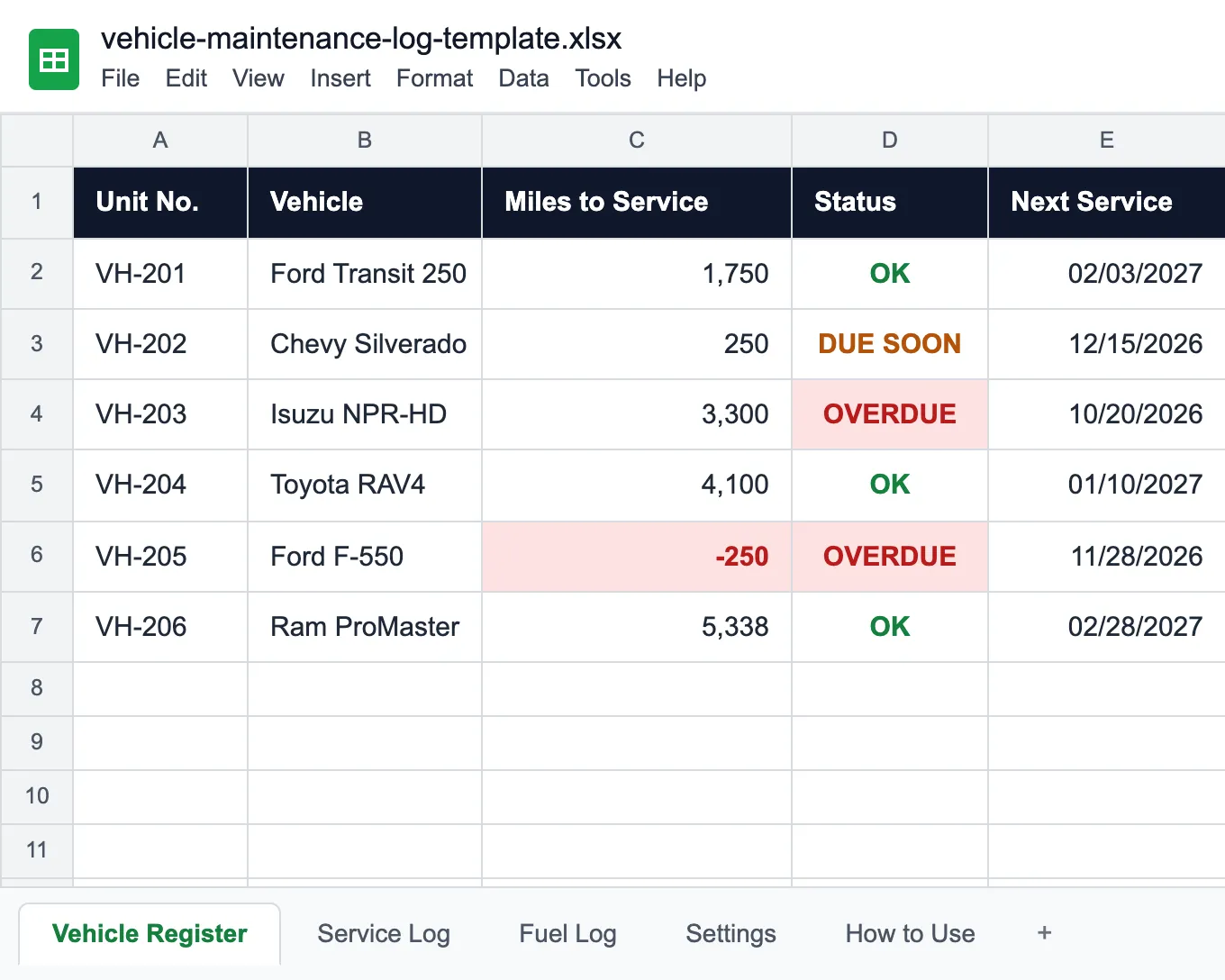
Vehicle Maintenance Log Template
Services by miles or date, repairs and a fuel log that flags unusual fills.
Read more: Vehicle Maintenance Log Template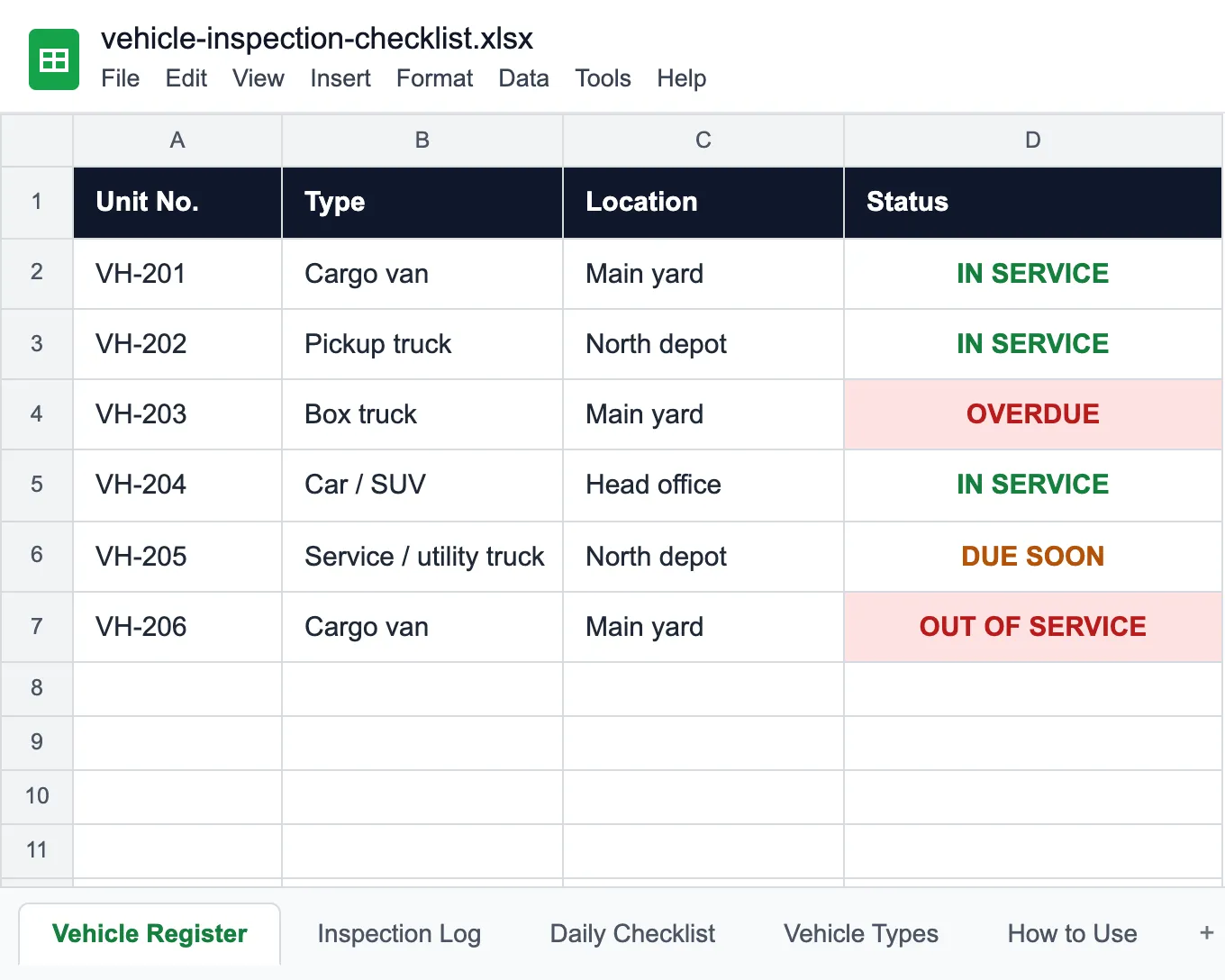
Vehicle Inspection Checklist
The daily pre-trip check and the register of vehicles out of service.
Read more: Vehicle Inspection Checklist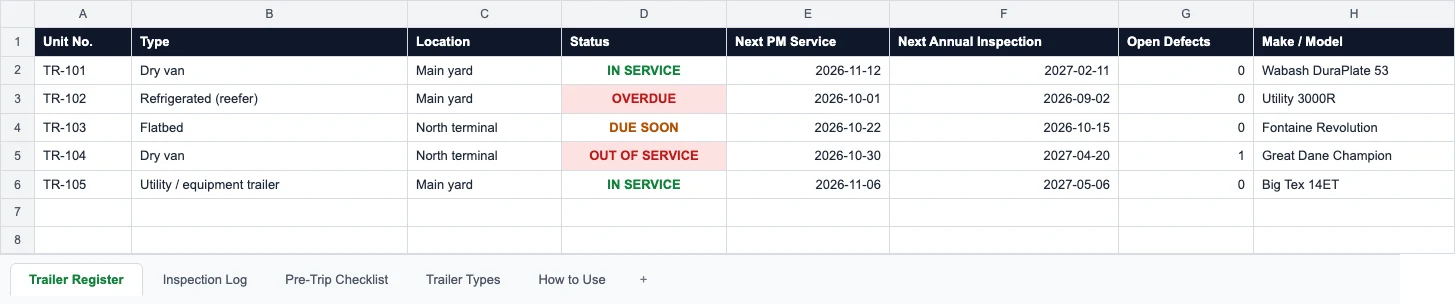
Trailer Inspection Checklist
Pre-trip trailer checks and the inspections due on each trailer.
Read more: Trailer Inspection Checklist