Free Key Sign-Out Sheet and Key Log Template
A key register that shows which keys are in the cabinet, which are out and with whom, a sign-out log that flags any key past its due date, and a printable sign-out sheet for the clipboard at the key cabinet. Works in Microsoft Excel and Google Sheets.
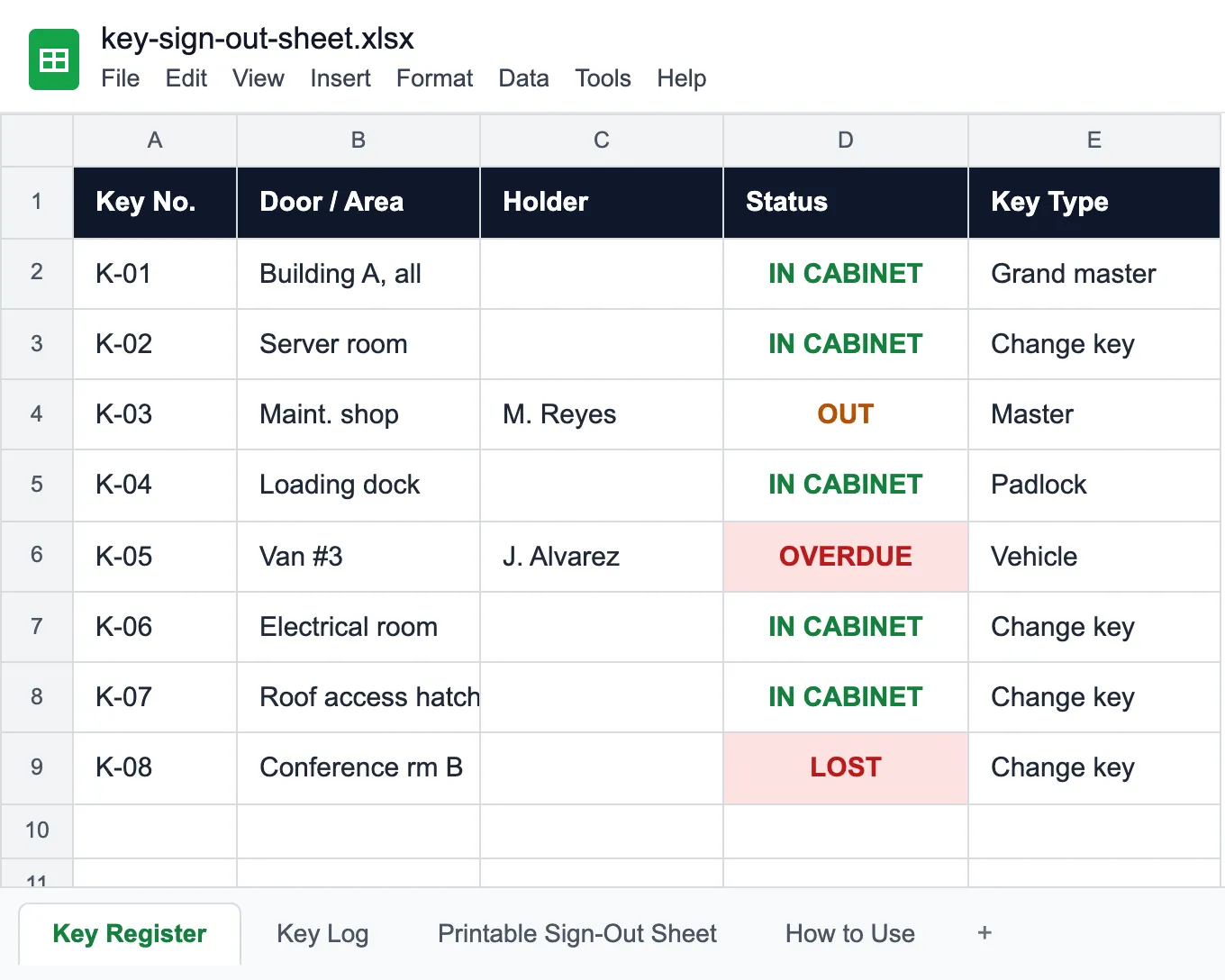
What is a key sign-out sheet?
A key sign-out sheet, or key log, records every time a key leaves the key cabinet: which key, which door it opens, who took it, when, when it is due back, and who received it on return. The clipboard version answers "who signed for it", but not the question that matters on a busy day: which keys are out right now, and which one never came back.
This template keeps the clipboard and adds the answer. It has four tabs:
- Key Register. One row per physical key, with its door or area, key type (grand master, master, change key, padlock, vehicle, cabinet, fob), hook, and whether it is restricted. Holder and Status fill themselves from the log: IN CABINET, OUT, OVERDUE from the day after the due date, or LOST when you mark it missing.
- Key Log. One row per sign-out. Pick the key number from the list and the door fills in; the row reads OUT until the return date is entered.
- Printable Sign-Out Sheet. Date, key number, door, name, time out, signature, due back, time in and received by, 25 lines per page, for the clipboard next to the cabinet.
- How to Use.
Give each copy of a key its own number (K-12-1, K-12-2), so the register always tells you which copy is out. A lost master key usually means rekeying every door it opens, so mark it LOST the moment it is reported and write down what was done.
For tools and equipment that leave the building rather than a door, use the equipment sign-out sheet.
Who uses a key sign-out sheet
Anywhere keys are shared and someone has to know where they are.
Facilities and building management
Master keys, plant rooms and roof access handed to staff and contractors.
Property management
Unit and common-area keys for maintenance techs, vendors and showings.
Schools and campuses
Classroom, lab and gym keys checked out to staff and custodians.
Fleets and dealerships
Vehicle keys signed out per shift or per test drive, back by end of day.
Hospitals and labs
Restricted rooms, medication and equipment cabinets with approval before hand-out.
Security desks
The key cabinet at reception: who took what, and what is still out at closing.
Before you fill it in
The van key was due Tuesday. The log still says OUT.
Try UNIO24 to automate key check-outs.
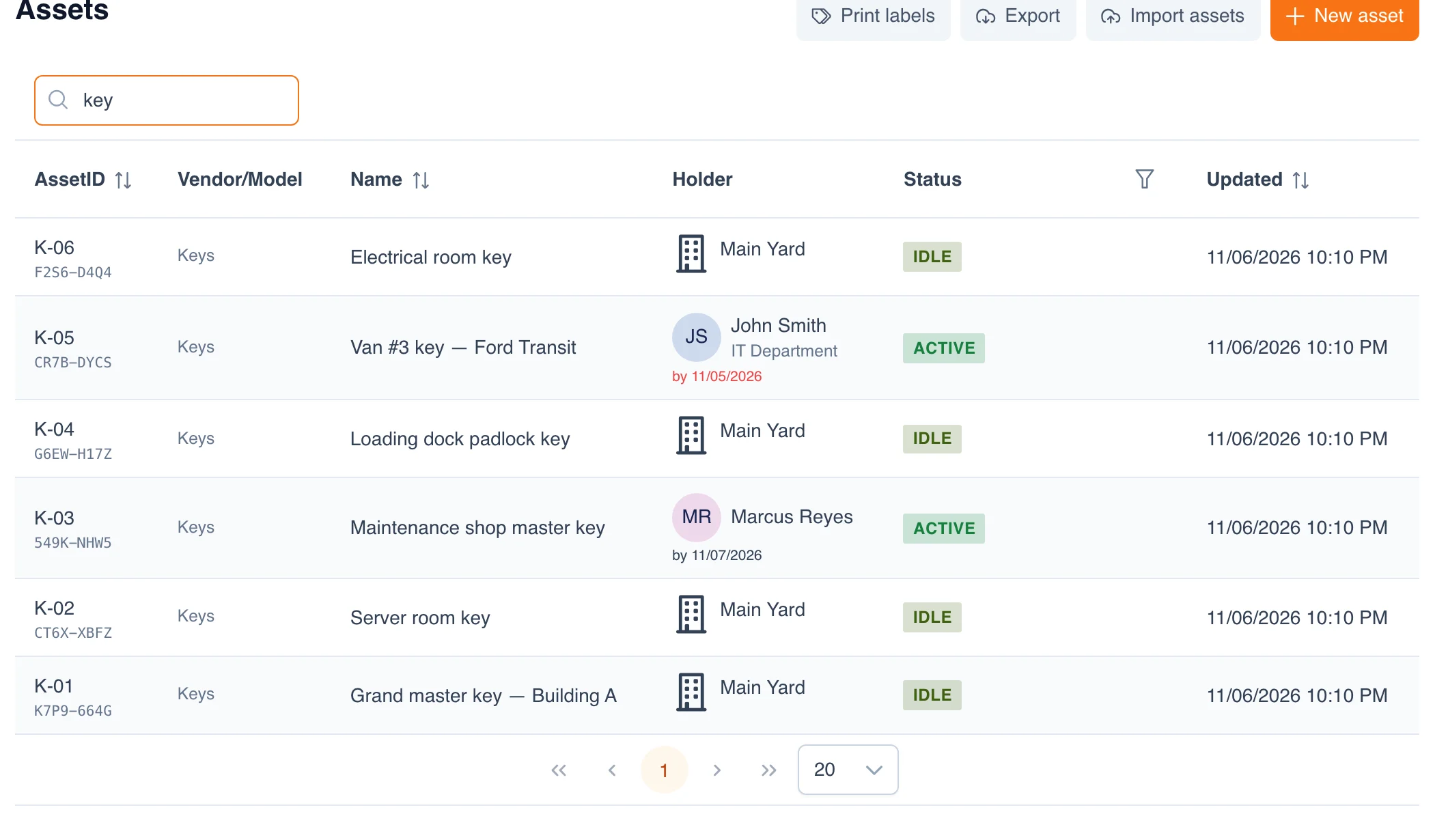
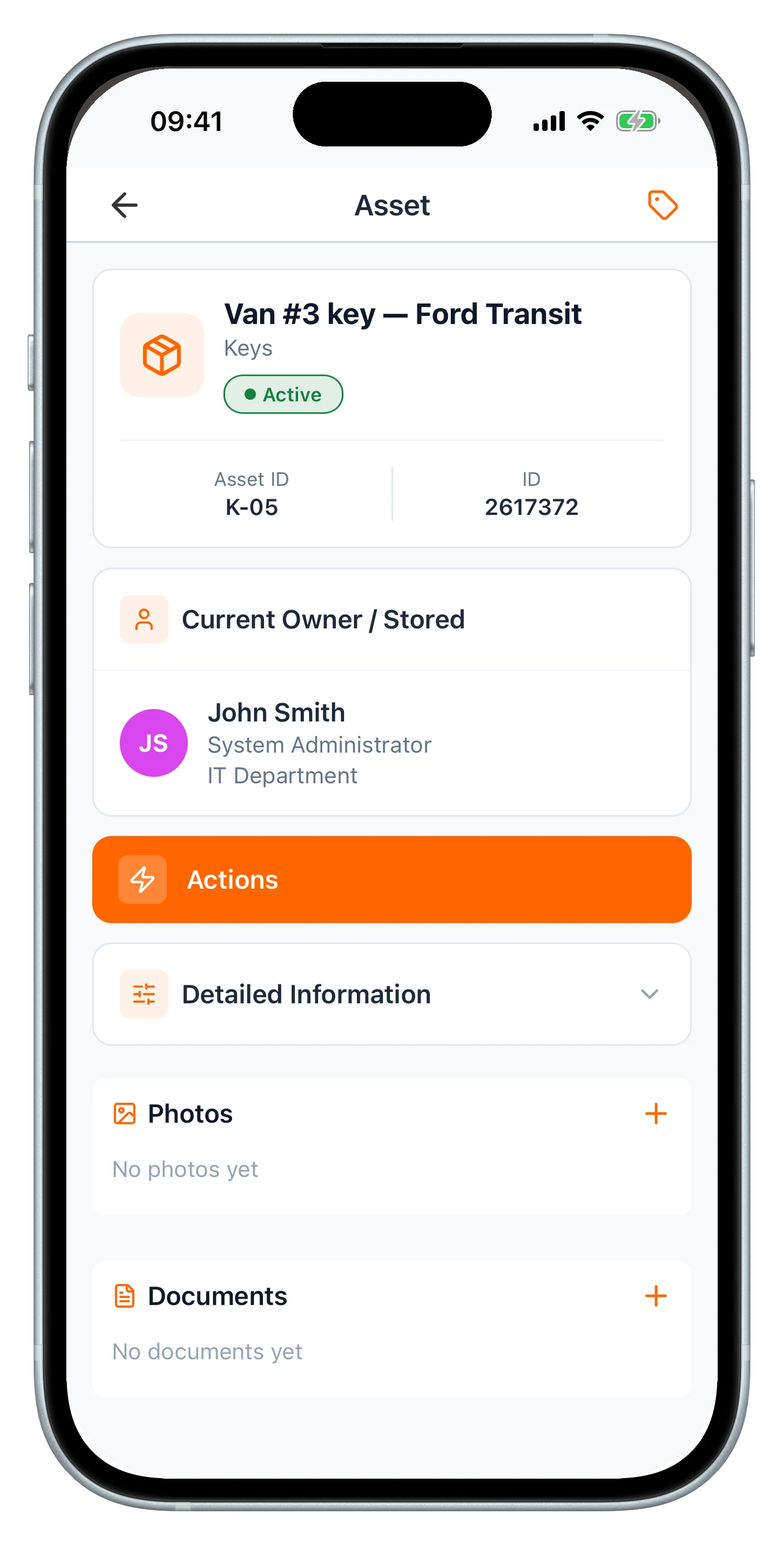
Try UNIO24 FreeA spreadsheet goes stale within days, and keeping it current takes someone's time every day. UNIO24 automates that work: every check-out and return updates the key's record the moment it happens.
| Capability | Free Sheet | UNIO24 FreeFor busy key cabinets |
|---|---|---|
| Signing keys out | ||
| Sign keys out and inThe sheet does it by hand. UNIO24 records each check-out and return with its date and the person. | Partial | Yes |
| Scan the key ringA QR tag on each key ring; scan it on a phone to check the key out. | No | Yes |
| Knowing where keys are | ||
| Who holds each key nowThe register works it out from the log. UNIO24 shows the holder on every key. | Partial | Yes |
| Overdue keys flaggedBoth flag a key past its due date. UNIO24 does it without anyone opening a file. | Partial | Yes |
| Full history per keyEvery holder and date for a key, kept automatically | Partial | Yes |
| Data & reliability | ||
| Several desks at onceA shared sheet gets overwritten. UNIO24 handles several people live. | Partial | Yes |
| Full support | 0/ 6 | 6/ 6 |
Frequently Asked Questions
About key logs and this template
Is the key sign-out sheet really free?
Yes — no cost, no subscription, no card. Enter your name and email and the Excel file downloads instantly.
How do I number keys for a key log?
Give every physical key its own number and stamp or tag it on the key ring: K-01, K-02, and so on, or a building prefix such as A-01. Copies of the same key get a suffix (K-12-1, K-12-2) so you always know which copy is out. Keep the door it opens in the register, not on the tag, so a lost key does not tell a stranger which door it fits.
Can I use it for vehicle keys and access cards?
Yes. Vehicle keys, padlock keys, cabinet keys and access cards or fobs are all key types in the list. For vehicle keys, put the vehicle in the Door / Area column; a key due back at the end of the shift shows OVERDUE the next morning if no one logged the return.
What should a key log include?
For each sign-out: the date, the key number, the door or area it opens, the name of the person taking it, the time out, a signature, when it is due back, the time it came back, and who received it. For the keys themselves: a number on every physical copy, the type (master or change key), where it hangs, and whether it needs approval. The template has both: the Key Log and the Key Register.
What happens when a master key is lost?
Mark it LOST in the Key Register so it stops being handed out, tell whoever manages the locks, and decide whether to rekey: a lost master or grand master key opens many doors, so most sites rekey the affected cylinders. Record what was done in Notes; the register keeps showing LOST until you clear it.
When should I move from a key log to software?
Usually when keys are handed out at more than one desk, when the clipboard and the spreadsheet stop matching, or when nobody can say which keys are out at closing time. At that point teams tag the key rings and check them out by scan with check-in / check-out in UNIO24.
